AhsayCBS
Ahsay Go Utilities - Space Freeing Up Overview
This feature is used to remove obsolete file(s) from your backup set and destination (manually start Retention Policy). After the Space Freeing Up job is completed, the storage statistics of the backup set(s) are updated.
-
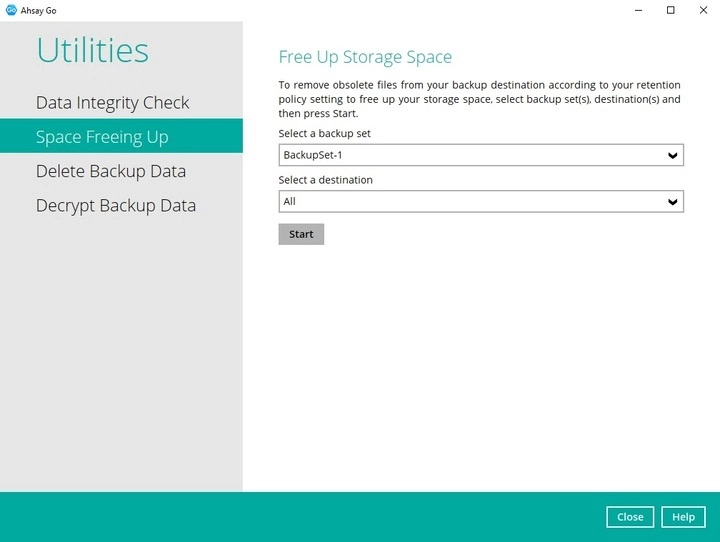
Select a backup set from the drop-down list
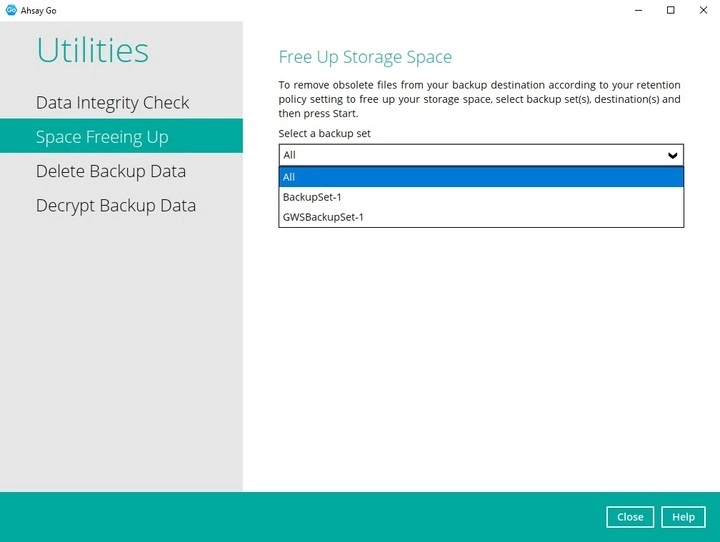
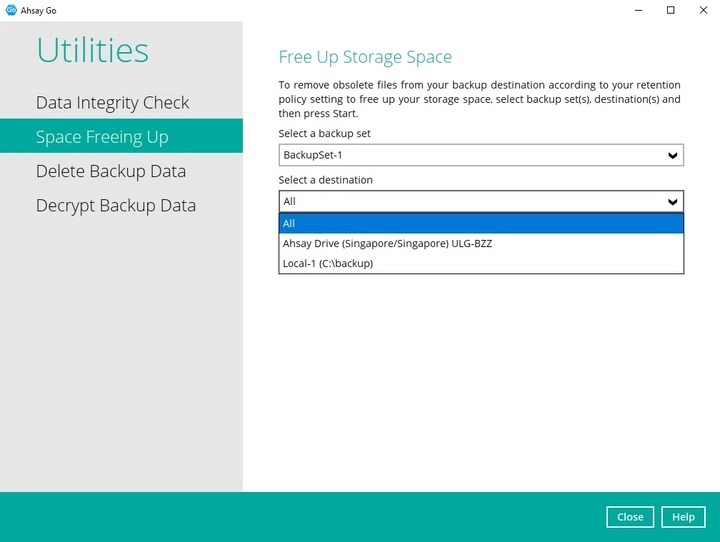
If you select a specific backup set, then you will also have to select a specific destination or all destinations.
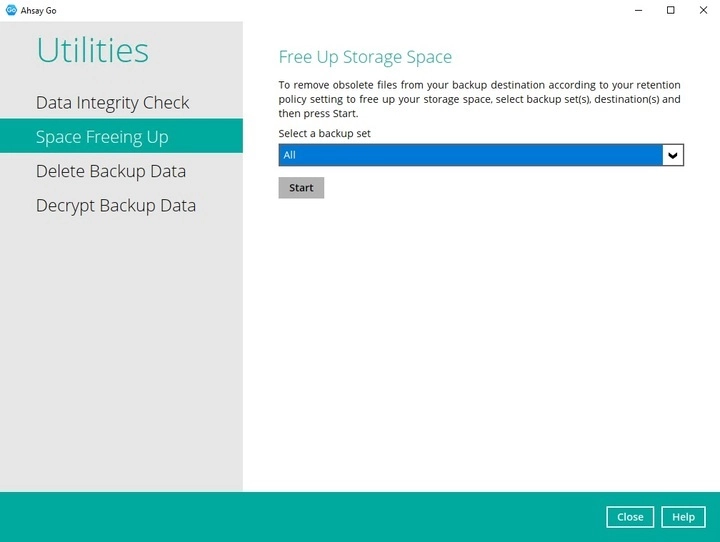
If you select All backup sets, then there is no need to select a destination.
-
Click the Start button to perform the space free up.
-
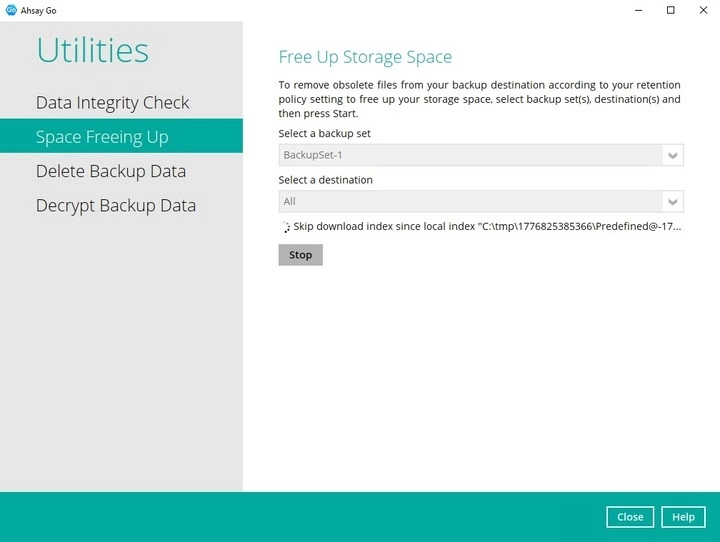
Space freeing job will start running on the selected backup set(s) and backup destination(s).
-
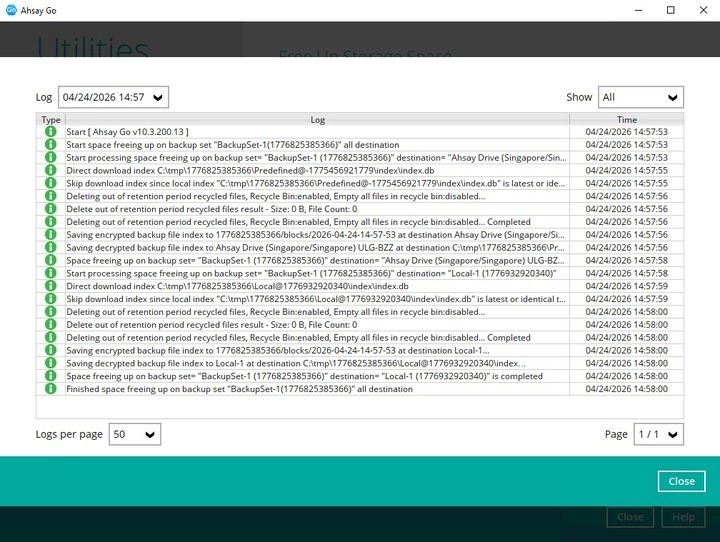
The status will be shown once completed.
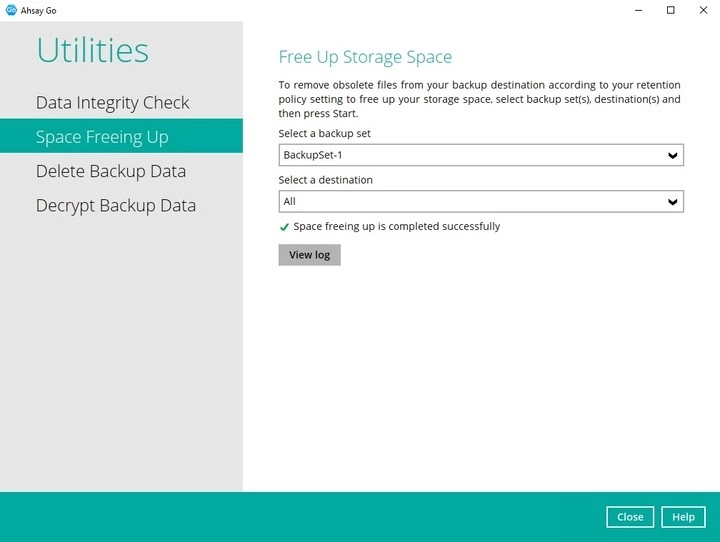
Click the View log button to see the detailed report of the space freeing up job.