AhsayCBS
Reorder account
March 26, 2026
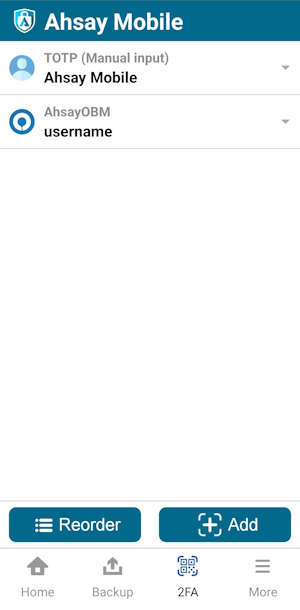
To reorder accounts, follow the instructions below:
Tap Reorder.
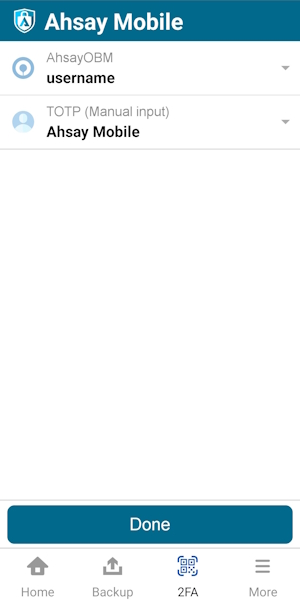
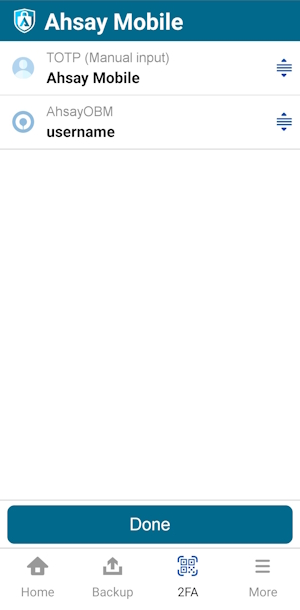
Hold the reorder icon located on the right side of each account to move it to the correct order. Then tap Done. In this example, the Ahsay Mobile account is moved from top to bottom.
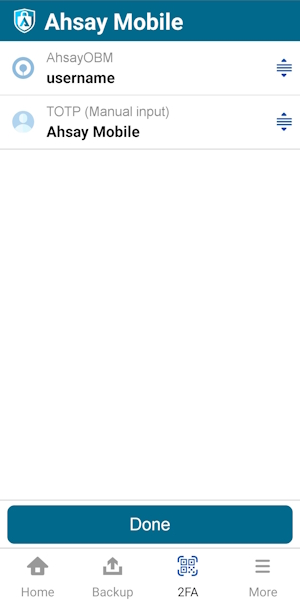
Accounts are successfully reordered.