AhsayCBS
Run a Hyper-V Backup Job on AhsayOBM
March 26, 2026
-
Click the Backup icon on the main interface of AhsayOBM.
-
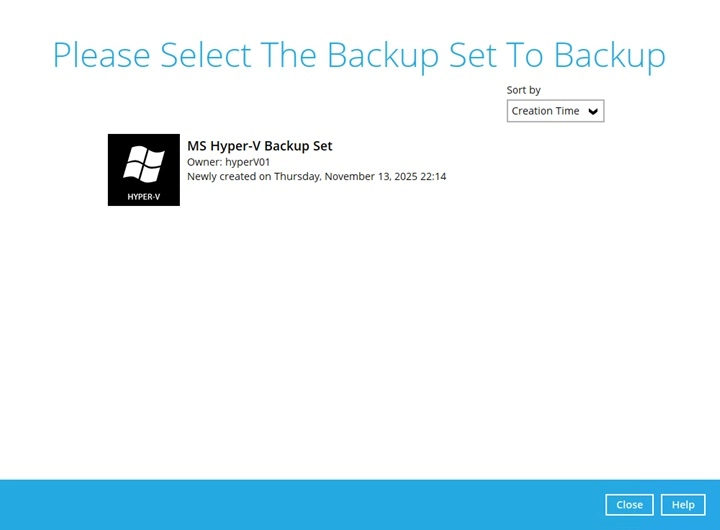
Select the Hyper-V backup set which you would like to start a manual backup for.
-
Choose a "Backup set type” (i.e., Full or Incremental).
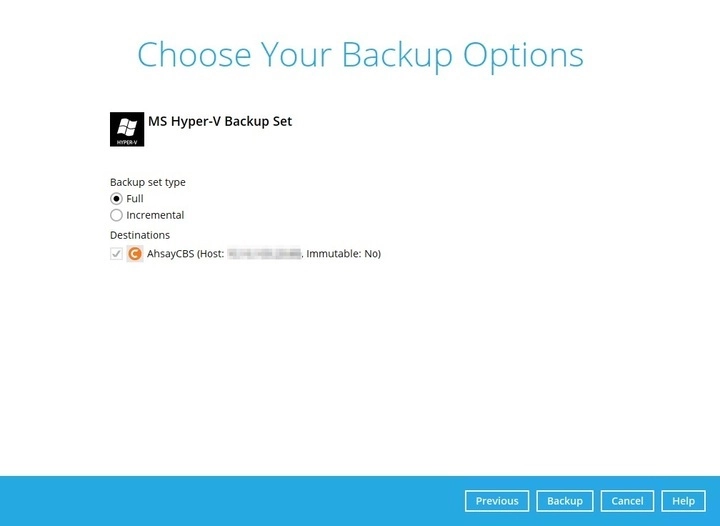
- Full - A full backup captures all the data that you want to protect. When you run a backup job for the first time, AhsayOBM will run a full backup regardless of the in-file delta setting.
- Incremental - An incremental backup captures only the changes made as compared with the last uploaded full or delta file (i.e. changes since the last incremental backup).
You can also modify the "Destinations" option.
-
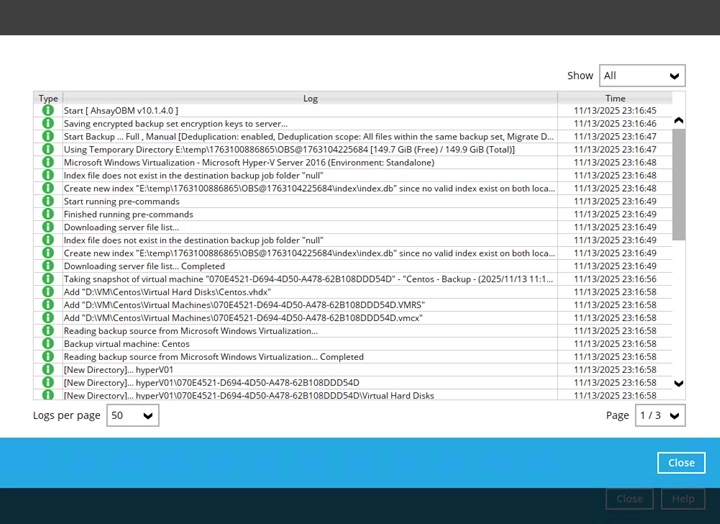
Once done with the settings, click the Backup button to start the backup job. The following screen will be displayed to indicate that the backup job is successfully completed.

You may click the "search" button beside the progress bar to check the backup log.