AhsayCBS
Create a Free Trial Account
Users can create a free trial account when they launch Ahsay Go for the first time.
Follow these steps to create a free trial account:
-
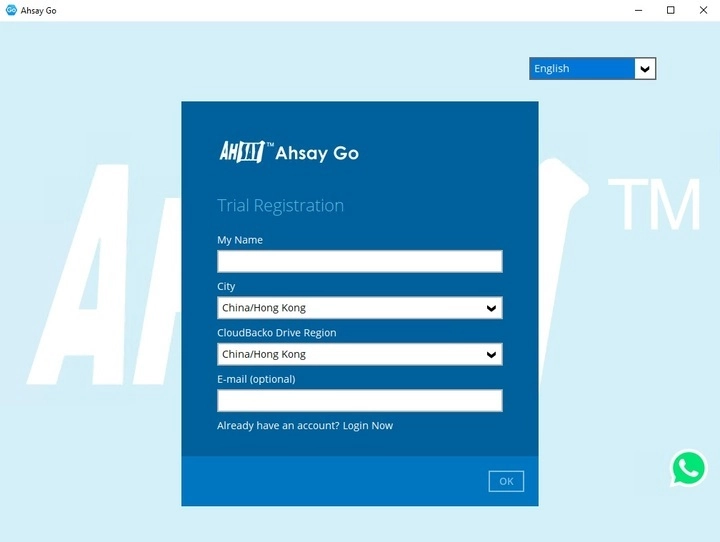
Enter your name. Select the city and Ahsay Drive Region then click OK.
-
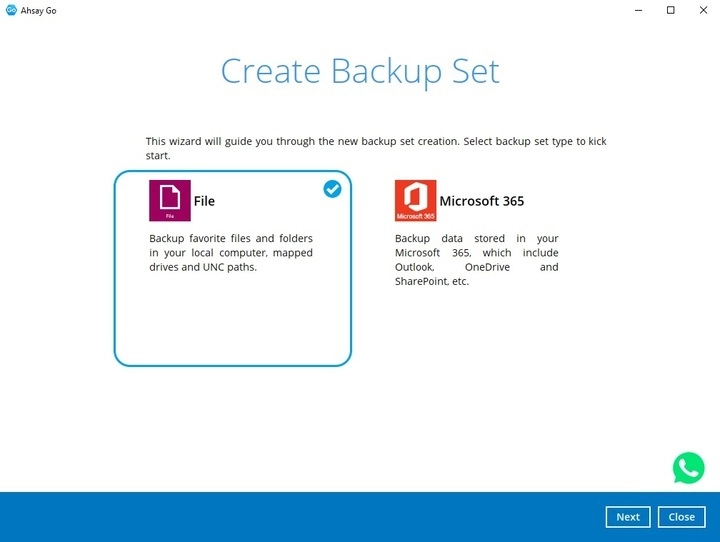
Once the trial account is created, you can now create a backup set. Backup set that can be created is either a File backup set or Microsoft 365. Click Next to continue.
-
Select what to back up.
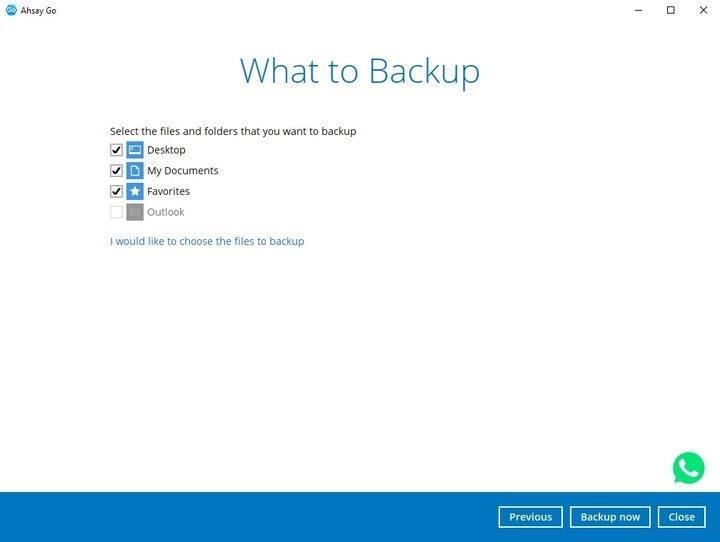
To select specific files to backup, click the I would like to choose the files to backup link. In the Advanced Backup Source screen, select the file(s) you want to backup then click OK once done.
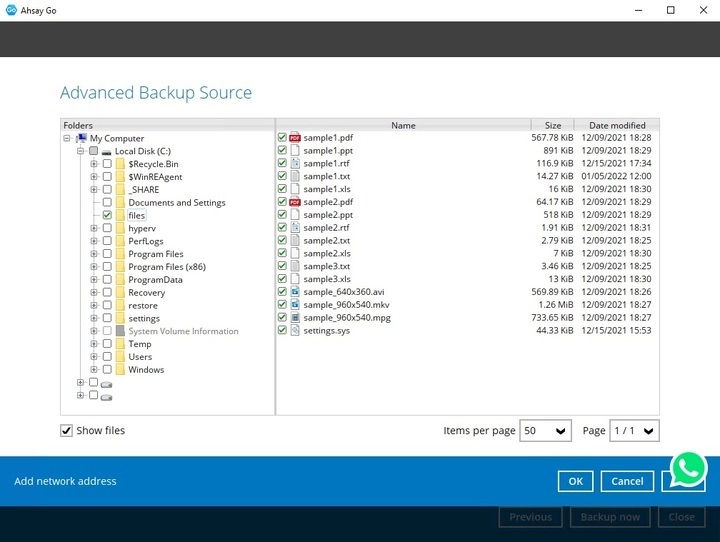
You may also select files located in a different network by clicking Add network address, specify the path where the file is located then click OK.
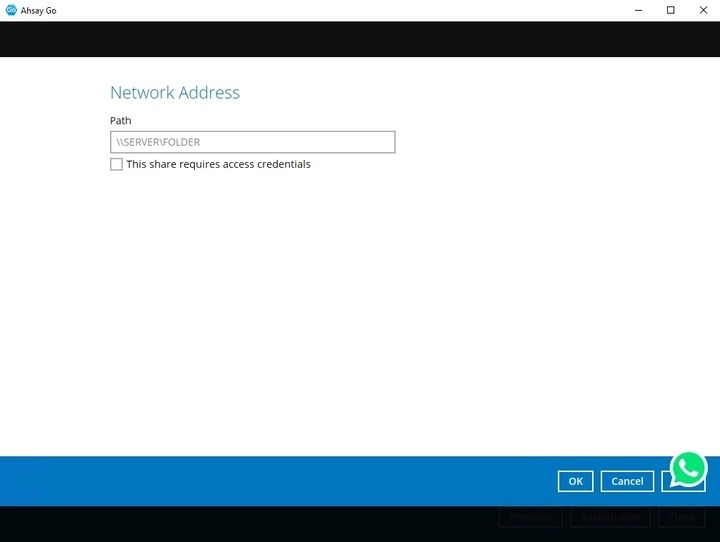
If credentials are required to access the files, tick the This share requires access credentials checkbox, then provide the username and password.
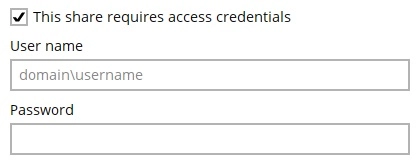
Click OK once done.
-
You can either click Backup now to start backing up your files or click Close to do it at a later time.
-
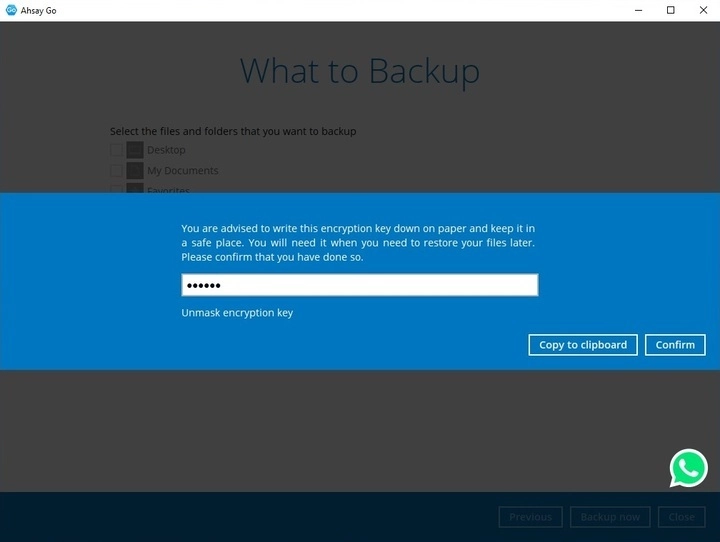
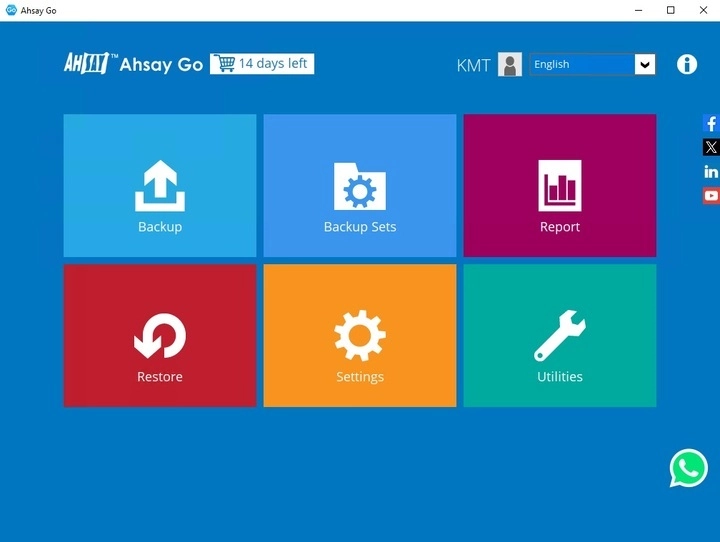
Save the encryption key then click Confirm to go to the main page.