AhsayCBS
Ahsay Go Utilities - Decrypt Backup Data Overview
This feature is used to restore raw data by using the data encryption key that was set for the backup set.
It can be used in the following situations:
- If the backup user has an old archive copy of their entire backup set on an external hard drive.
- Helping a customer recover data from the user’s Ahsay Drive destination.
Perform Backup Data Decryption
-
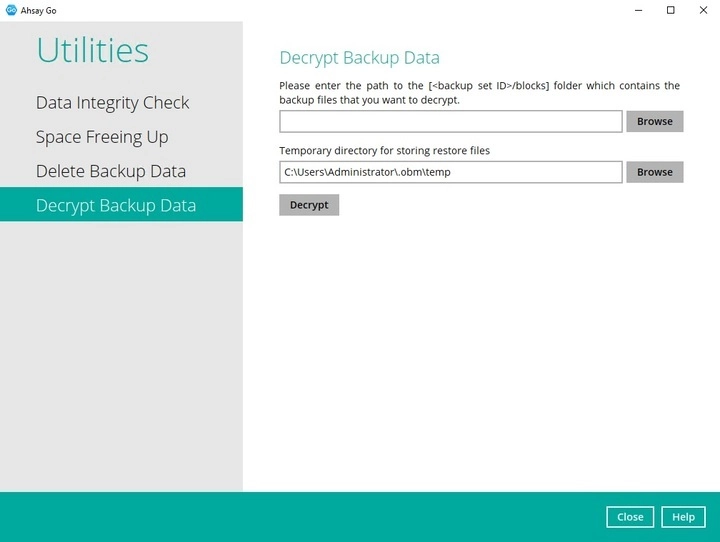
Click the Browse button to locate the path of the backup set ID/blocks folder.
-
Click the Browse button to re-select the temporary folder for the decrypt process. Then click the Decrypt button to proceed.
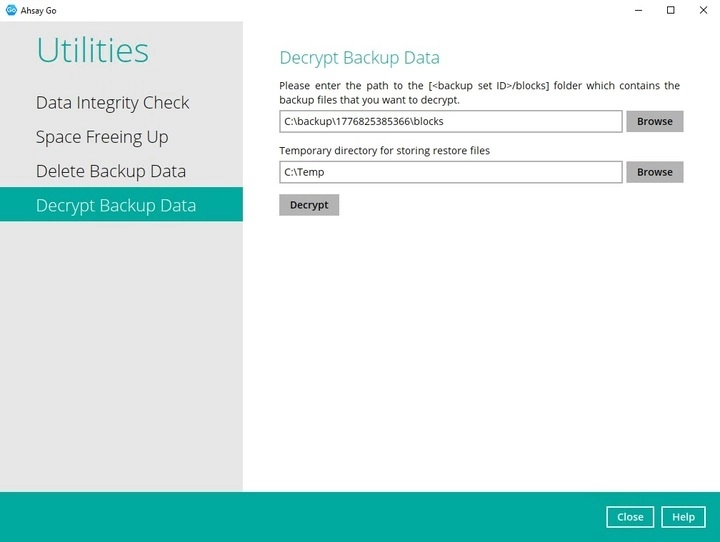
In the screenshot above, the backup destination of the backup set is on the local machine.
For backup destinations using Ahsay Drive, please contact technical support for assistance.
-
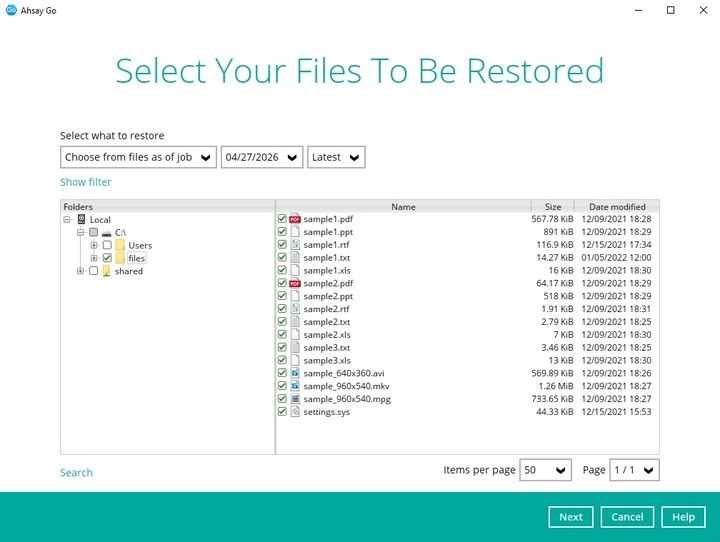
Select files to be decrypted then click Next.
-
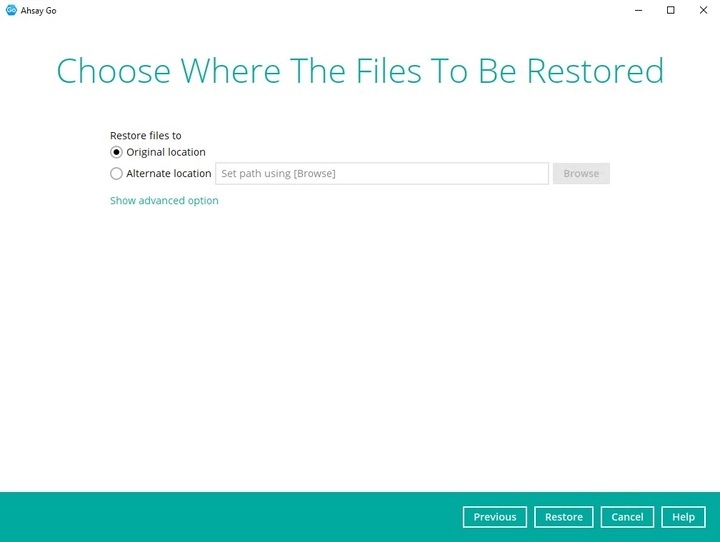
Choose the location where the decrypted files will be restored to then click Restore.
-
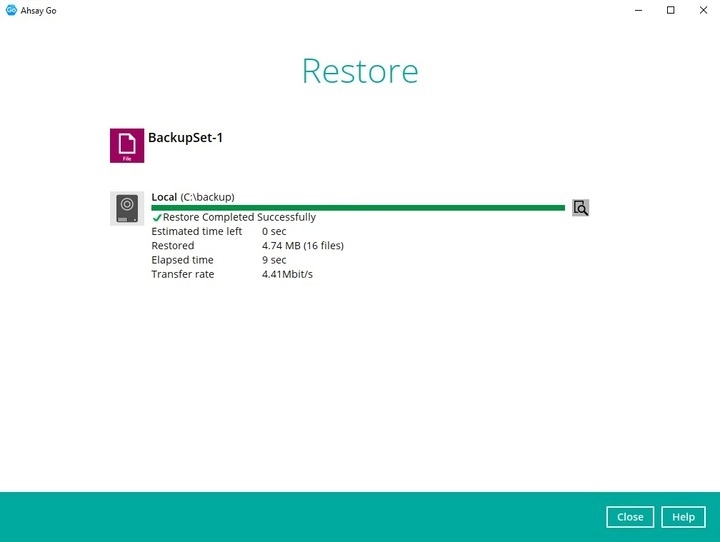
The status will be shown once completed.