

 AhsayCBS
Ahsay Go Backup Sets - General Overview
October 5, 2026
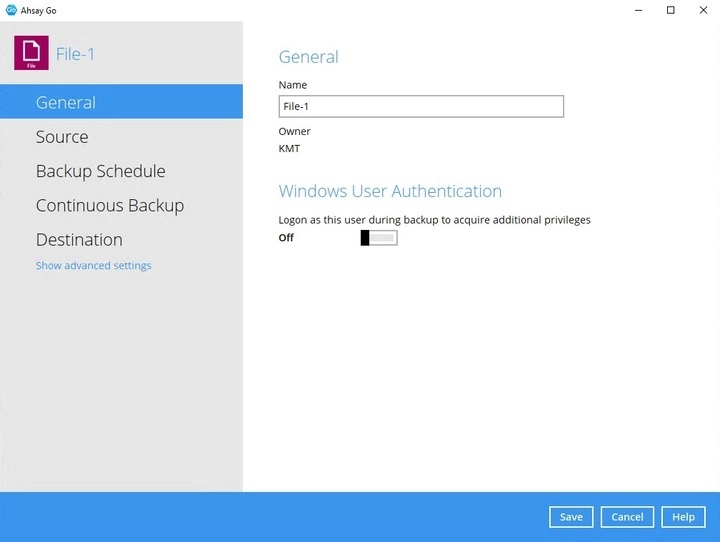
This feature allows the user to modify the backup set name and manage the Windows User Authentication login credentials.
General
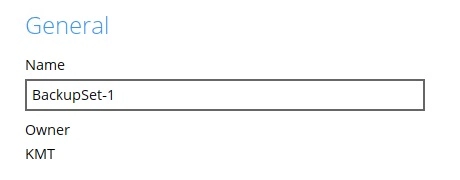
- Enter a new backup set name in the "Name" field.
In this example, the backup set name will be changed to BackupSet-1. Click Save to save the new backup set name.
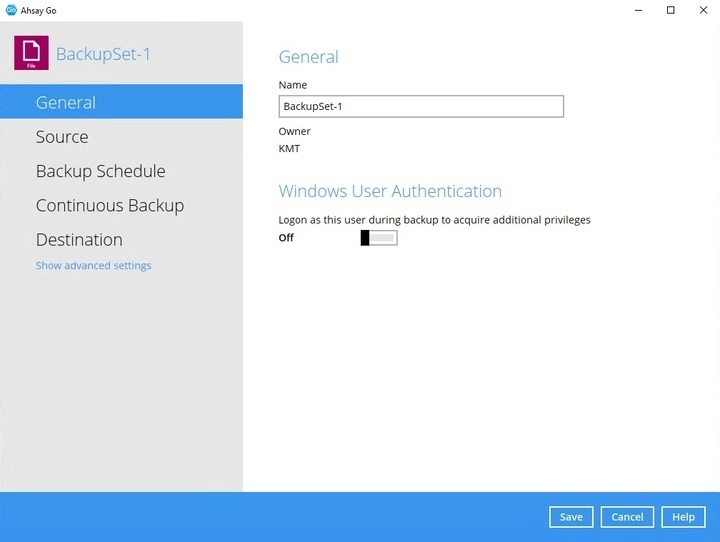
The backup set name is successfully updated.
In assigning a backup set name, make sure that it does not have an identical name.
Windows User Authentication
The Windows User Authentication is only required when "Schedule" is enabled when creating select backup sets.
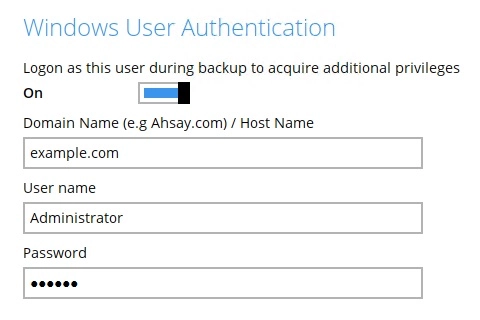
- Domain Name - domain name or host name of the machine.
- User name - login username used by Ahsay Go to access files and/or folders selected in the backup source.
- Password - login password used by Ahsay Go to access files and/or folders selected in the backup source.
Here's a list of backup sets that requires Windows User Authentication:
Backup set containing network path for:
- Backup source
- Filter
- Destination
- Pre-backup command
- Post-backup command
- MSSQL backup set
- Exchange Server backup set version 2007 and above
- Exchange Mail backup set
- Hyper-V backup set
VMware backup set with:
- VMware server
- VMware Workstation
- VMware Player
- Multiple host backup set (e.g. DAG/cluster)