

 AhsayCBS
Backup Set Type
There are three kinds of backup set type to choose from, namely Full backup, Differential backup and Transaction Log backup. The information below gives you an overall idea of what each backup set type is like.
Full Backup
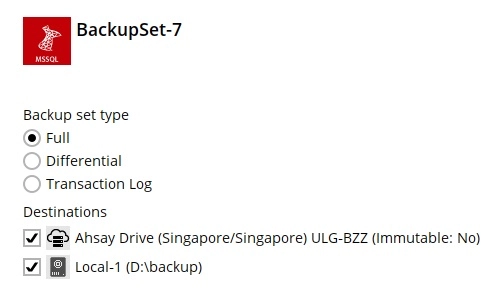
To perform a Full backup, Ahsay Go requests the SQL server to generate a Volume Shadow Copy Service (VSS) snapshot of the database. Ahsay Go will back up the VSS snapshot generated by the SQL server directly. A Full backup is required in order to run Differential backups.
For further details on this topic, please refer to Full Database Backups (SQL Server).
Differential Backup
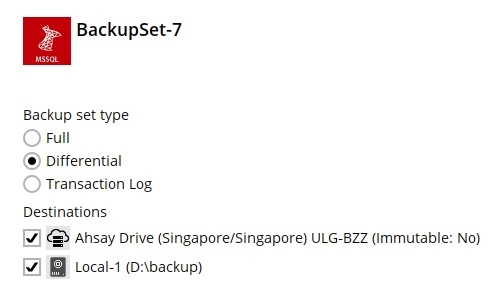
A Differential backup of the SQL server saves changes to the database that have occurred since the last Full backup. To perform a Differential backup, Ahsay Go requests the SQL server to generate a Differential backup file of the database since the last Full backup. At the back end, the SQL server performs the following:
- Generate a VSS snapshot of the database of the current state.
- Compare the VSS snapshot just generated by the SQL server with the one generated from the last Full backup in order to produce a Differential backup file.
- The Differential backup file is sent to Ahsay Go for backup.
Using a Differential backup file to recover a database requires the restoration of only two data sets - the last Full backup and the most recent Differential backup.
The disadvantage of using Differential backups is that it duplicates the backed up data in each backup until a Full backup is performed. If there are many Differential backups taken between Full backups, the storage space required may become large.
The SQL server does not allow a Differential backup to occur when there has been no previous Full backup to establish the starting point.
For further details on this topic, please refer to Backup Overview (SQL Server).
Transaction Log
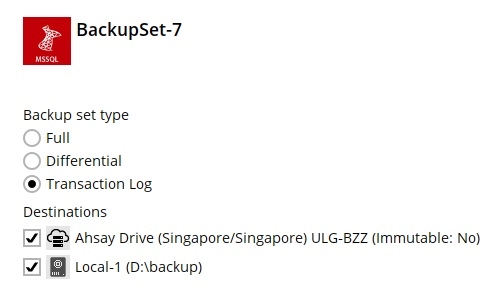
Every SQL Server database has a transaction log that records all transactions and the database modifications made by each transaction. The transaction log is a critical component of the database. If there is a system failure, you will need that log to bring your database back to a consistent state.
If you have chosen to back up in ODBC mode, you can configure schedule backup to back up the transaction log regularly at a time interval of your choice.