

 AhsayCBS
Cloud Storage as a Backup Destination
September 16, 2026
For most cloud storage provider (e.g. Dropbox, Google Drive ... etc.), you need to allow Ahsay Go to access the cloud destination. Click OK / Test, you will be prompted to login to the corresponding cloud service.
Click Allow to permit Ahsay Go to access the cloud storage:
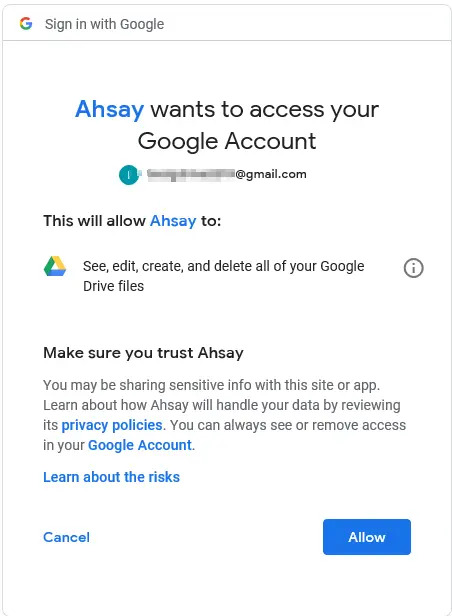
Enter the authentication code returned in Ahsay Go to complete the destination setup.
A backup destination can be set to a supported cloud storage, backup server, FTP / SFTP server, network storage, or local / removable drive on your computer.
Multiple backup destinations can be configured for a single backup set. In fact, it is recommended for you to setup at least 2 backup destinations for your backup set.