AhsayCBS
Download and Install Ahsay Go on Windows
-
In a web browser, go to the Free Trial page.
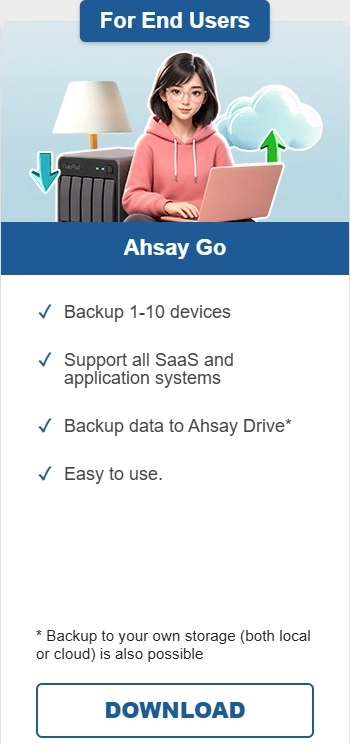
Under Ahsay Go click Download.
-
Click the Windows EXE online installer to begin the download.
-
Double-click the icon of the Ahsay Go installation package file you have downloaded.
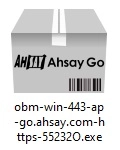
The filename of the .exe file you have downloaded should not be renamed.
-
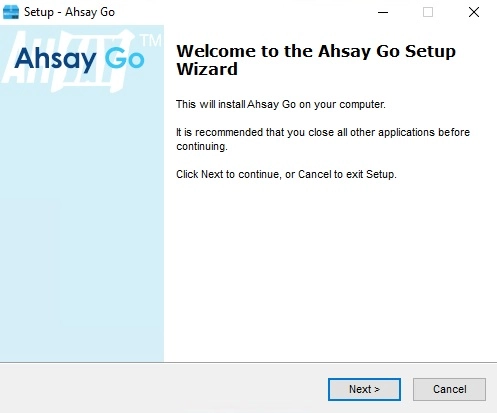
Click Next once you see the setup window.
-
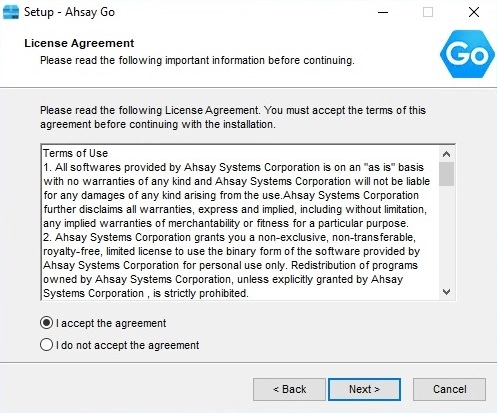
Select I accept the agreement after reading the license agreement, then click Next to proceed.
-
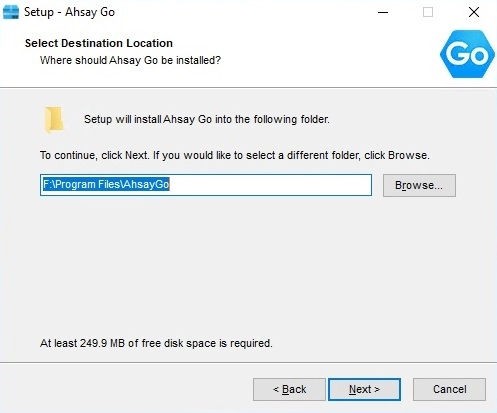
Choose the installation directory. Then, click Next to continue.
-
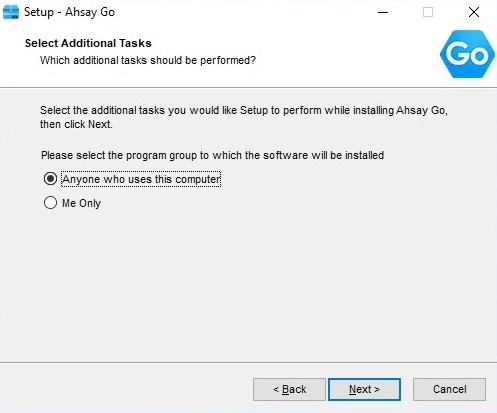
Select the program group where the software will be installed. The default setting is Anyone who uses this computer. The following explains the difference between the two settings:
-
Anyone who uses this computer
The Ahsay Go System Tray icon will be available to all Windows users and backup notifications will be displayed on the Windows System Tray. For more information, please refer to the Ahsay Go Backup and Restore Guide.
-
Me Only
The Ahsay Go System Tray icon will not be available and backup notifications will not be displayed on the Windows System Tray.
Click Next to proceed.
-
-
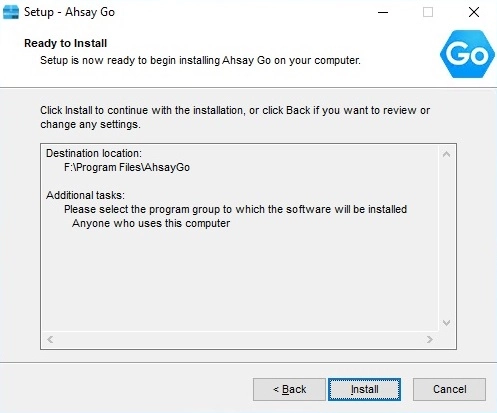
The installation will start after you click Install.
-
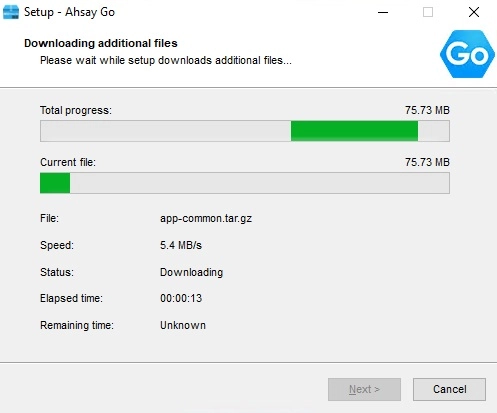
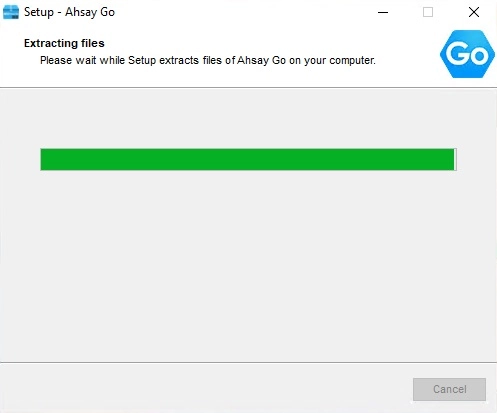
The component files will be downloaded first during installation.
-
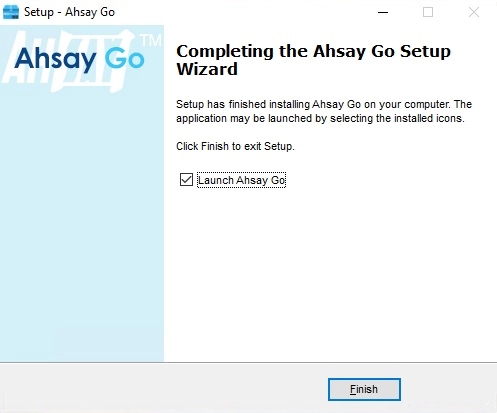
Click Finish to complete the installation.