AhsayCBS
Download and Install Ahsay Go on QNAP NAS
-
In a web browser, go to the Free Trial page.
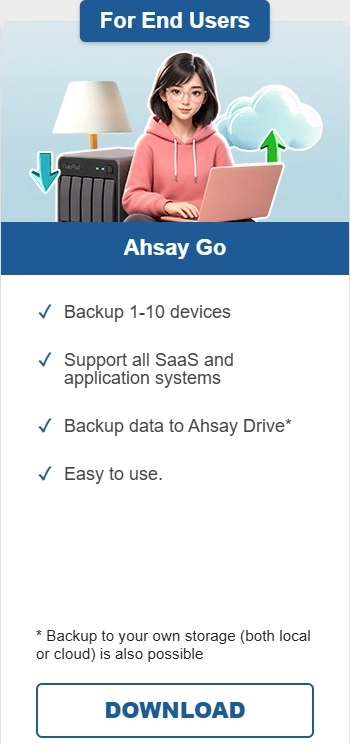
Under Ahsay Go click Download.
-
Click the QNAP online installer.
-
Login to QNAP QTS with an admin account. In a web browser, enter the QNAP NAS device IP address then login.
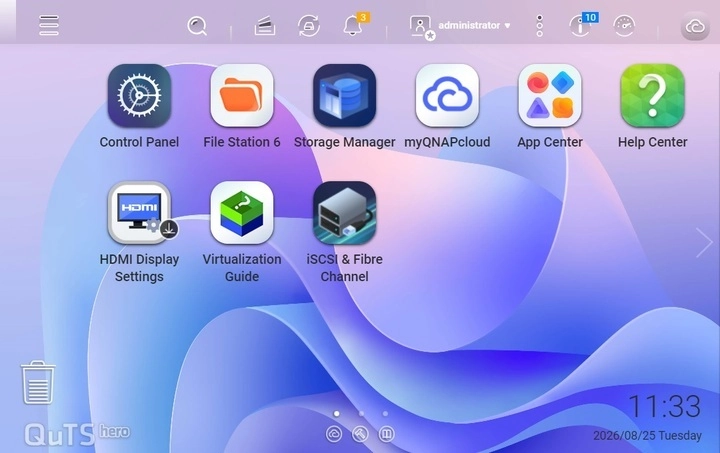
Refer to the following article for information on how to login to QTS: Accessing the NAS using a browser.
-
To install Ahsay Go on QNAP NAS, click the App Center icon on the desktop.

-
When the "App Center" window appears, click Install Manually.
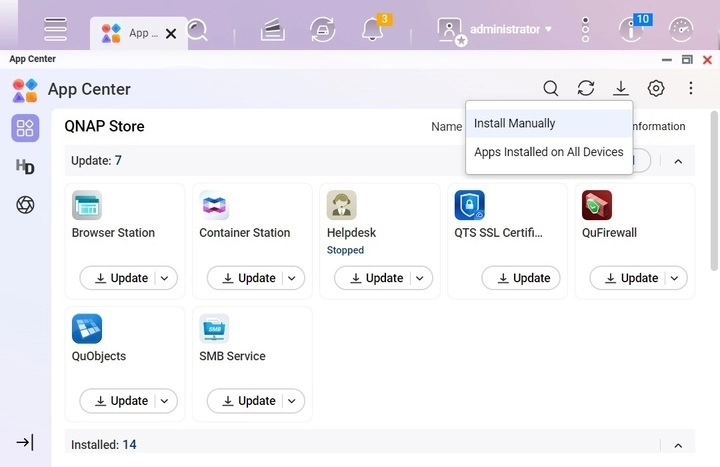
-
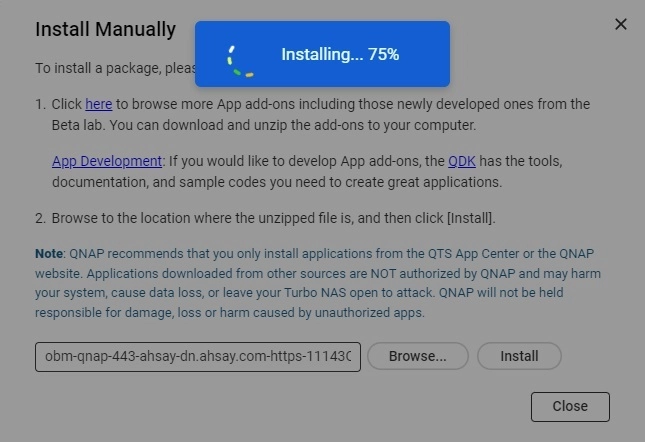
When the "Install Manually" window appears, click Browse to select the Ahsay Go QPKG file which you have downloaded (e.g., obm-qnap-443-ahsay-dn.ahsay.com-https-11143O.qpkg). Then, click Install to proceed.
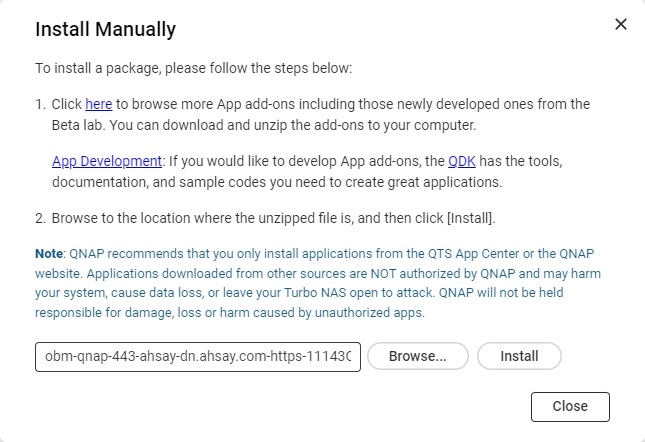
-
When the following message appears, click OK to start the installation.
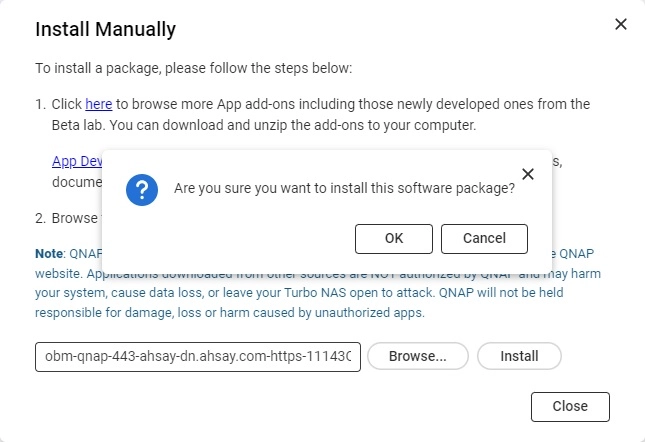
-
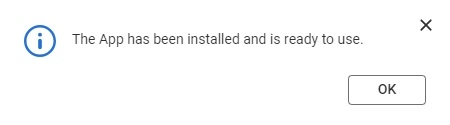
When the installation is completed the following message will be displayed. Click OK to finish the installation.
-
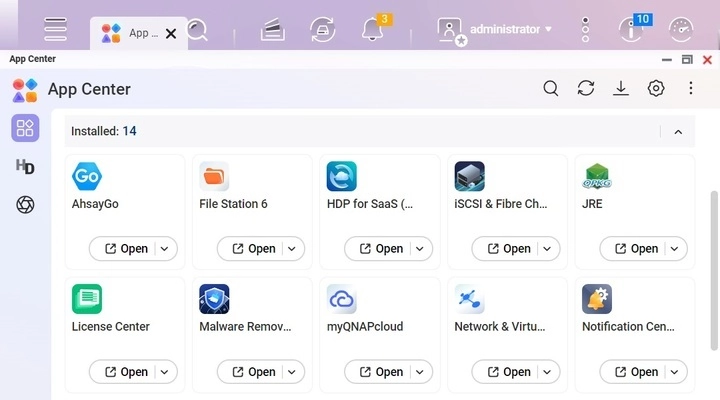
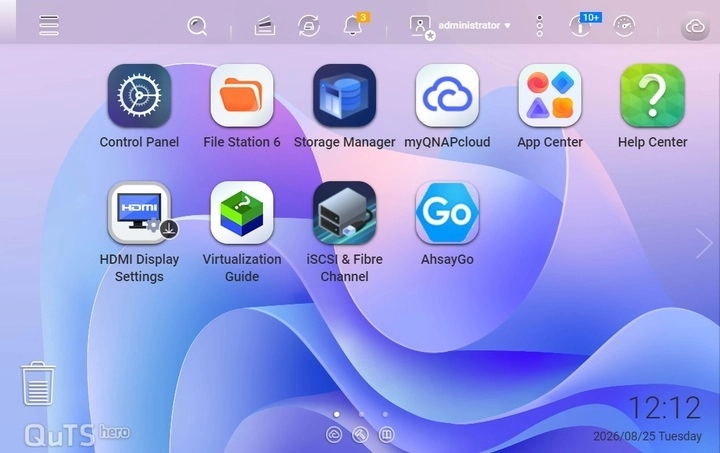
After installation, Ahsay Go will be available in the App Center and desktop.