AhsayCBS
Download and Install Ahsay Go on Linux
For Linux, there are two installers available: DEB online installer and RPM online installer, the installation method is the same.
-
Log in to a linux machine using the root account.
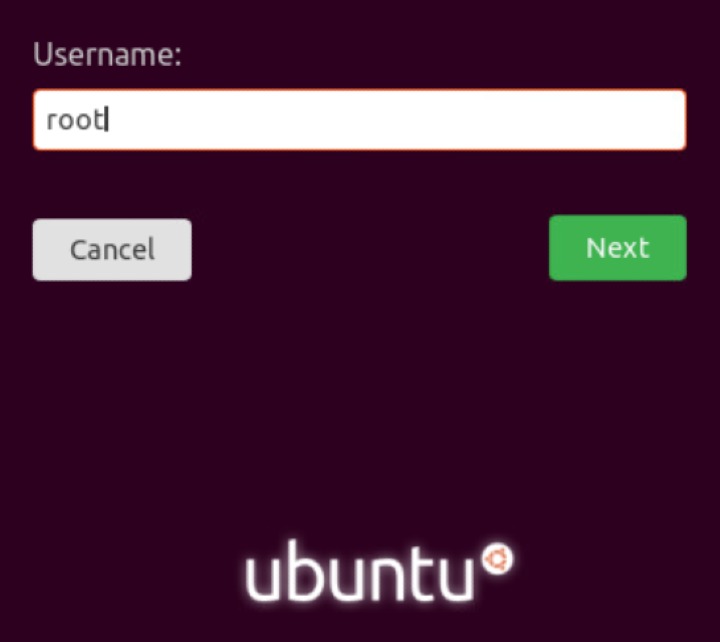
Alternatively, you can remotely invoke the GUI of another linux machine using SSH client.
-
In a web browser, go to the Free Trial page.
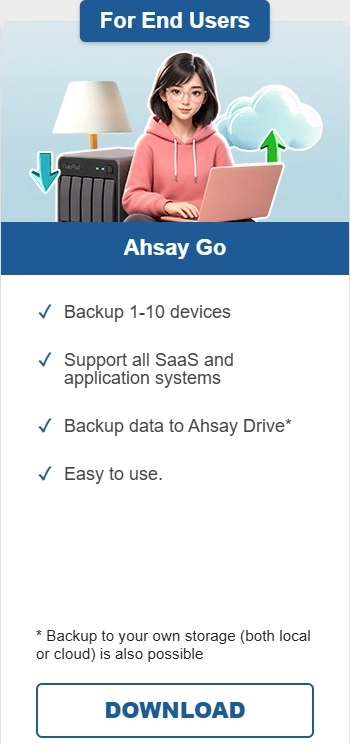
Under Ahsay Go click Download.
-
Click the Linux DEB online installer or Linux RPM online installer.

-
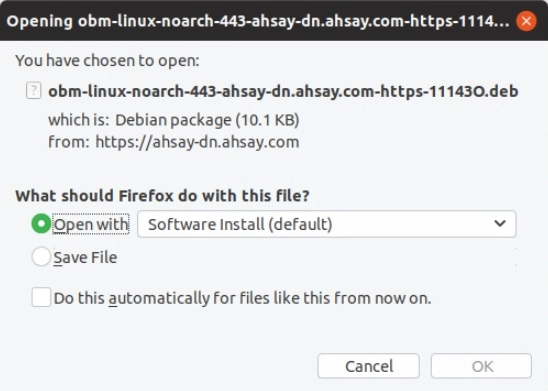
Select to open or save the file. Click OK to proceed.
-
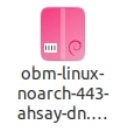
If you saved the file, go to the "Downloads" folder and double-click the file you downloaded otherwise go to the next step.
-
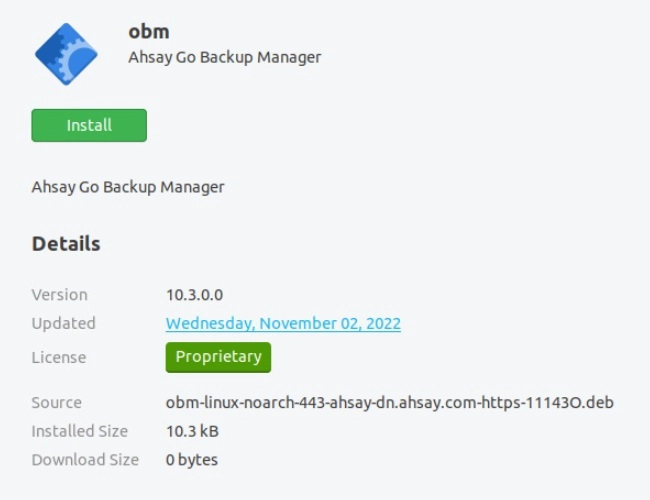
Click Install to start the installation.
-
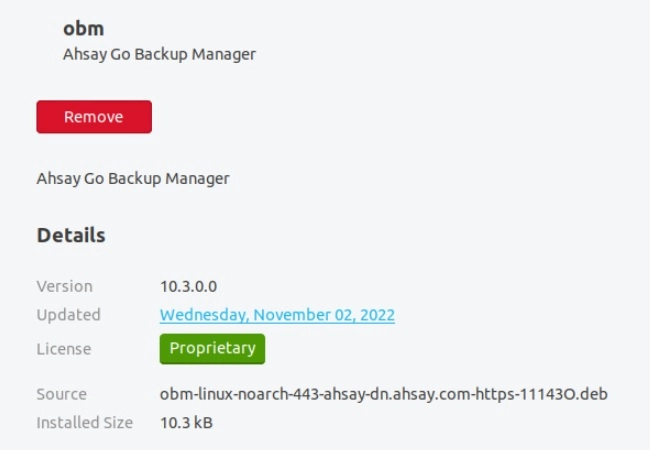
Once the installation is completed, the following screen will be displayed.
-
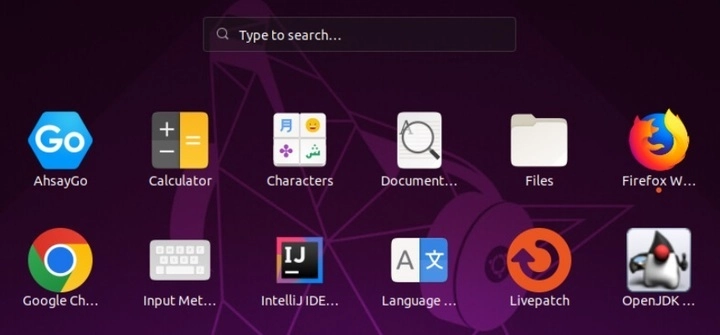
After successful installation, Ahsay Go will be added to the Applications.