

 AhsayCBS
Download and Install Ahsay Go on Synology NAS
For Synology NAS, there are two installers available: Synology DSM 5/6 SPK online installer and Synology DSM 7 SPK online installer, the installation method is the same.
-
In a web browser, go to the Free Trial page.
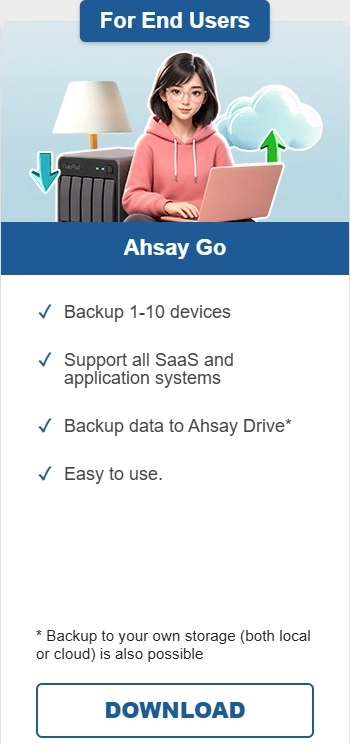
Under Ahsay Go click Download.
-
Click the Synology DSM 5/6 SPK online installer or Synology DSM 7 SPK online installer.
-
Login to DiskStation Manager (DSM) with the admin account. In a web browser, enter the Synology NAS device IP address followed by 5000.
https://nas_hostname:5000
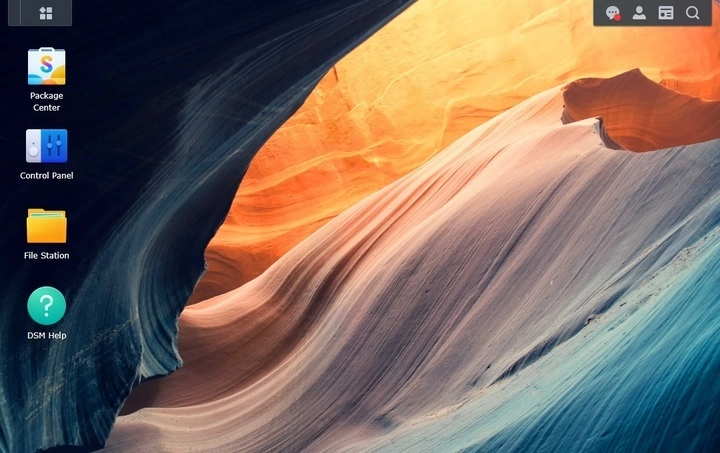
Refer to the following Synology article for information on how to login to DSM: Navigate Desktop.
-
To install Ahsay Go on Synology NAS, click the Package Center icon on the desktop.
-
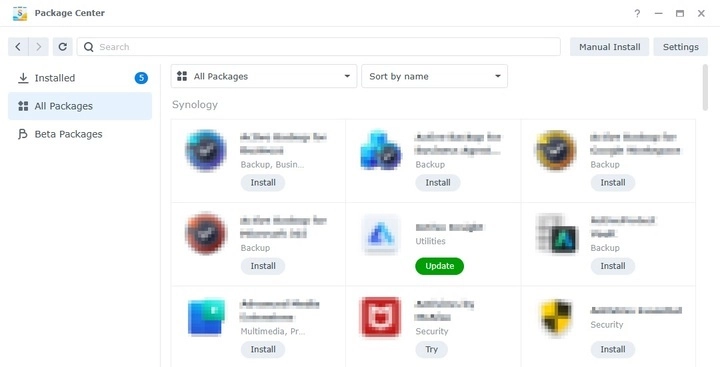
When the "Package Center" window appears, click Manual Install.
-
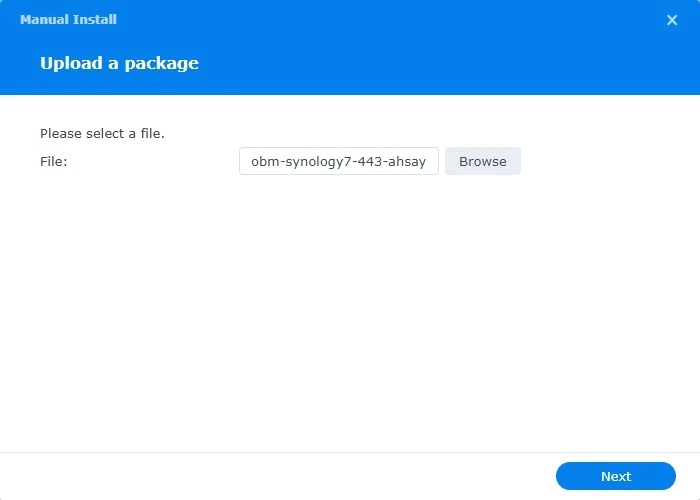
When the "Manual Install" window appears, click Browse to select the Ahsay Go SPK file which you have downloaded (e.g., obm-synology7-443-ahsay-dn.ahsay.com-https-11143O.spk). Then, click Next to proceed.
-
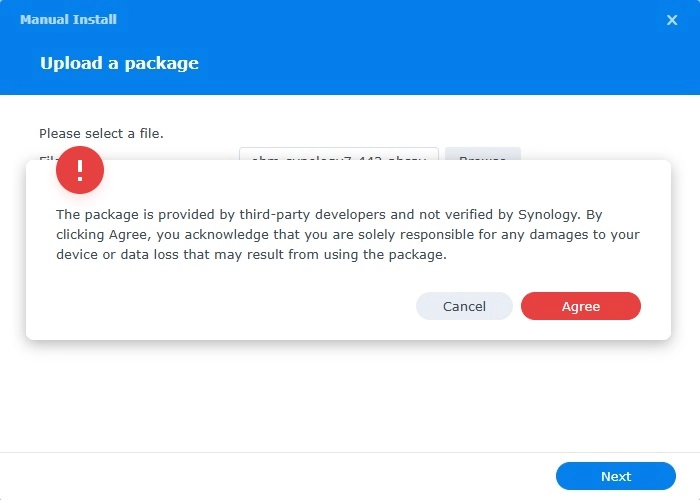
When the following message appears, click Agree to proceed.
-
After reading the License Agreement carefully, tick the checkbox next to I accept the terms of the license agreement. Then, click Next to proceed.
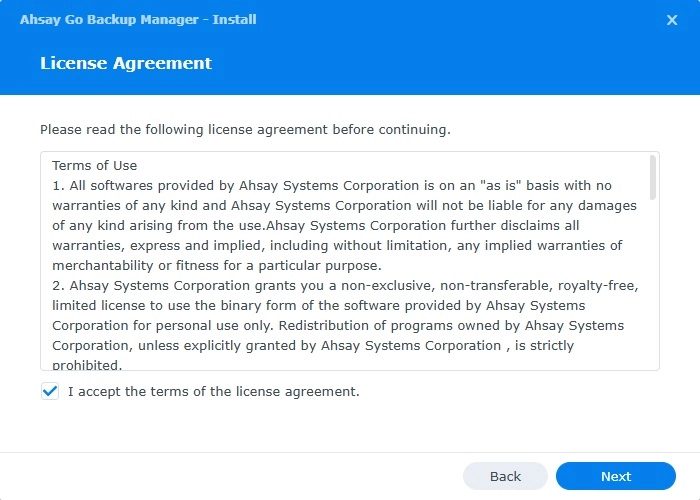
-
Review the following information on the screen. If you want to automatically open Ahsay Go after installation, tick the Run after installation checkbox. Then click Done to start the installation of Ahsay Go.
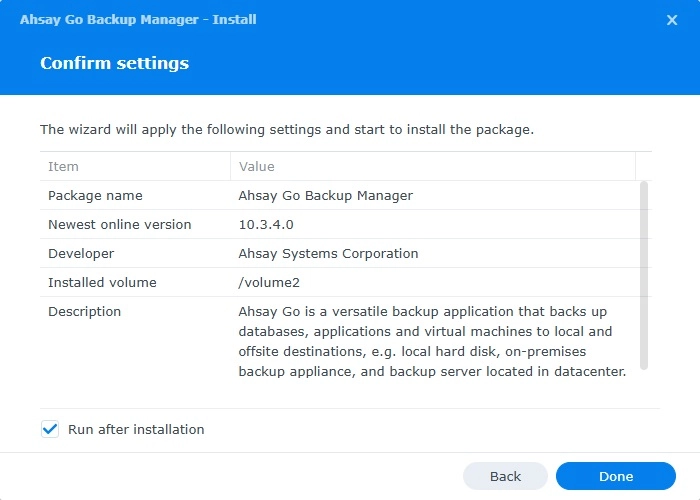
-
When the installation is completed, Ahsay Go will be listed in the "Installed" packages.
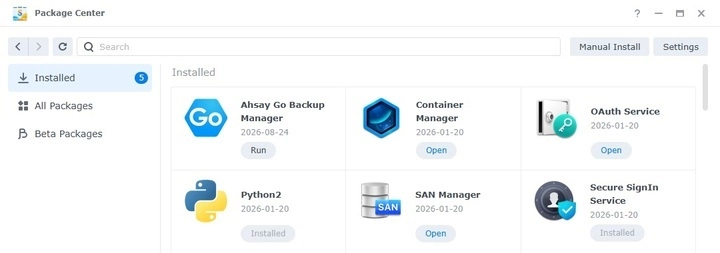
-
To display Ahsay Go, click the Main Menu icon on the top left corner of the desktop.
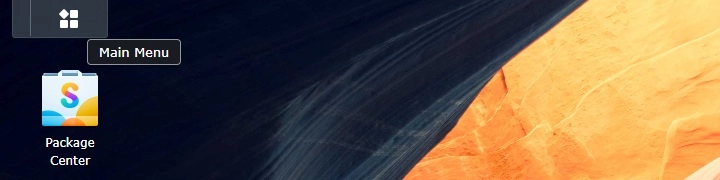
Then you can click the Ahsay Go icon to launch the application.
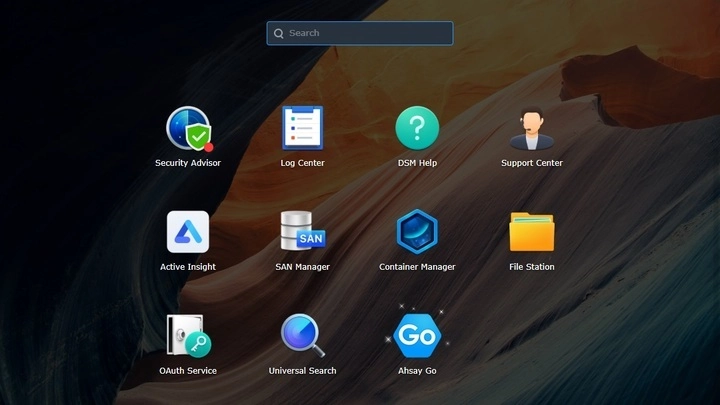
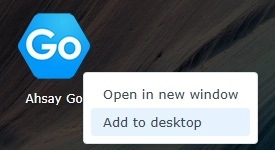
You can also add it to the desktop to make it easier to access, right-click on Ahsay Go and click Add to desktop.
- Revert the Trust Level to the previous setting in the "Package Center" afterwards if applicable. Refer to the Synology NAS Trust Level requirement for instructions.