AhsayCBS
Download and Install Ahsay Go on macOS
-
In a web browser, go to the Free Trial page.
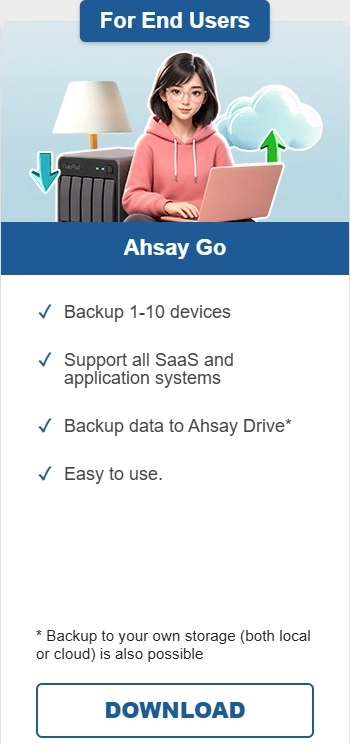
Under Ahsay Go click Download.
-
Click the macOS DMG online installer to begin the download.
-
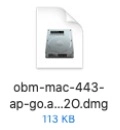
Launch the online installation package file you have downloaded.
-
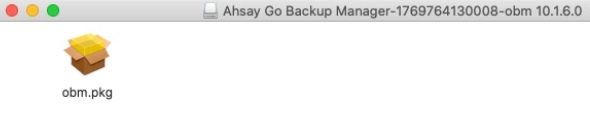
The Ahsay Go Backup Manager window will appear. You will see a file named "obm.pkg". Double-click the file.
-
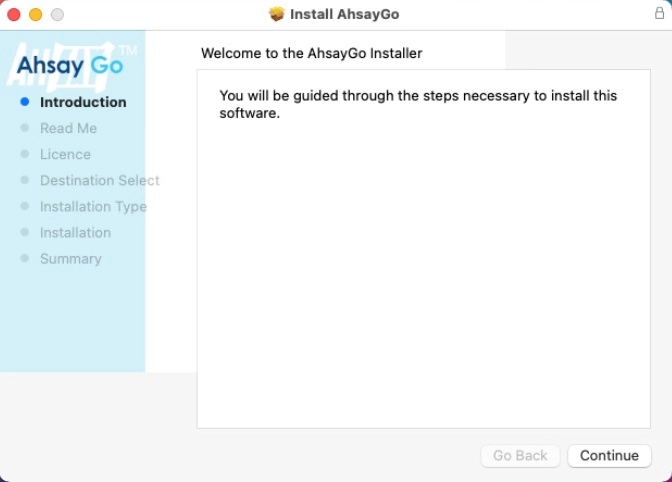
When the "Ahsay Go Installer" wizard appears, click Continue to proceed.
-
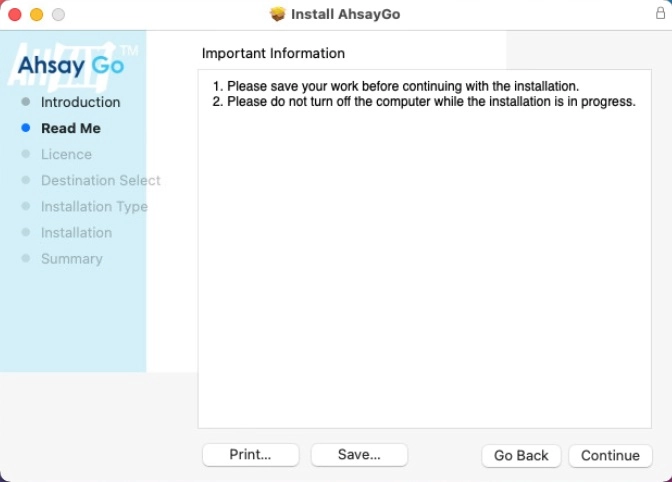
When the "Important Information" screen appears, read the information then click Continue to proceed.
-
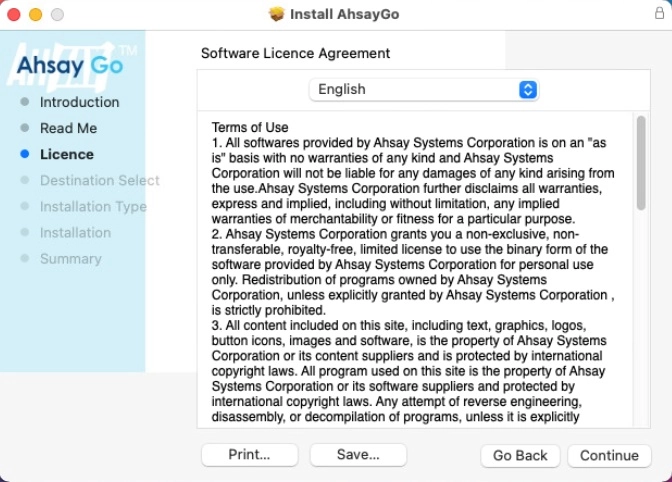
When the "Software License Agreement" appears, the agreement content will be displayed in English by default. If you prefer to read it in a different language, select the language you prefer. Once done reading, click Continue.
-
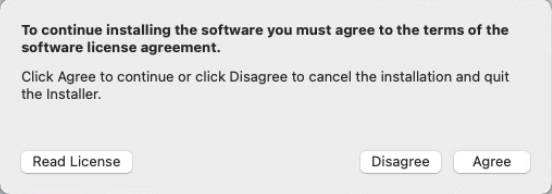
The following message will appear in a pop-up window. Click Agree to accept the software license agreement.
-
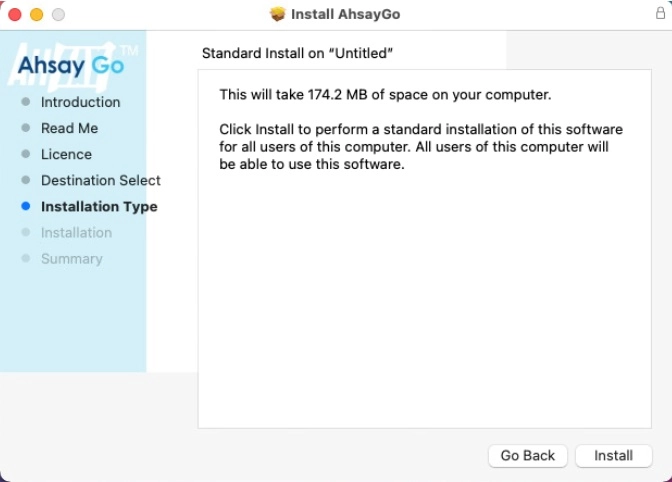
Click Install to start installing Ahsay Go to the default location, i.e. "Untitled" in this example.
-
The following message will appear in a pop-up window. Enter your macOS login credentials. Then, click Install Software to proceed with the installation.
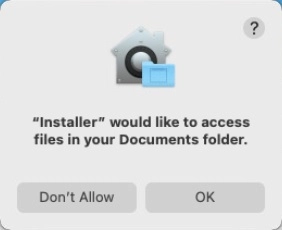
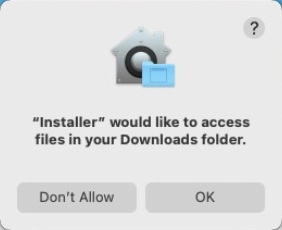
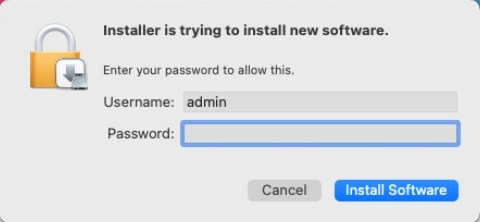 The pop-up windows in step 10 are only applicable on macOS 10.15 or above. Otherwise, proceed to step 11.
 -
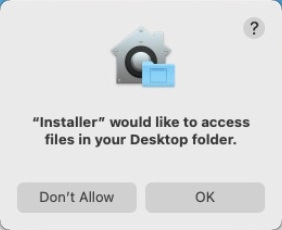
When the following pop-up windows are displayed, click OK to proceed.
-
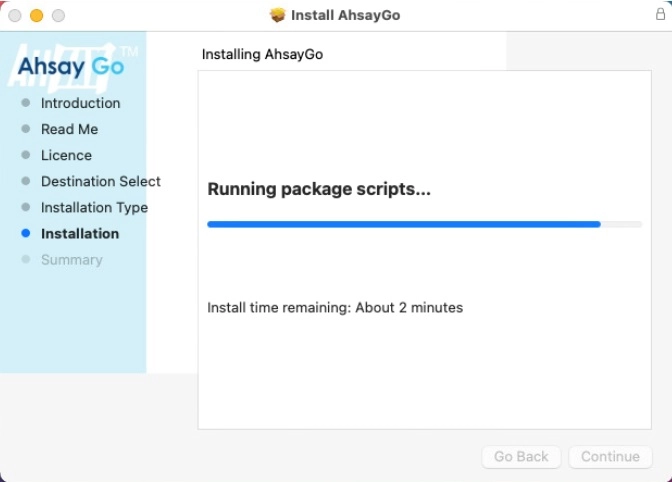
Wait until the installation process is finished.
-
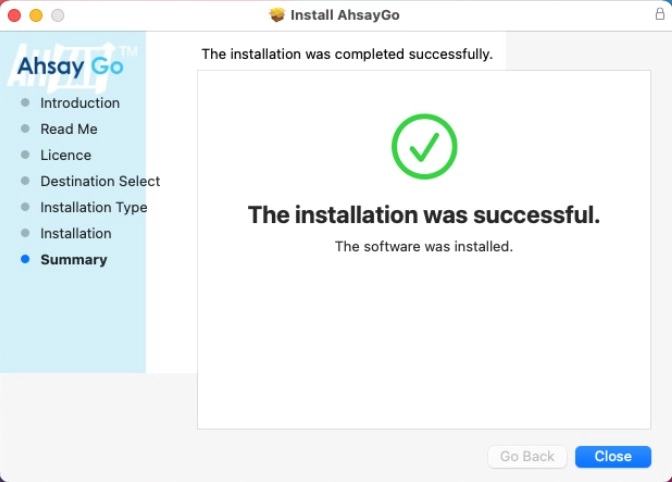
You will see the following screen when the installation of Ahsay Go is completed. Click Close to finish.