AhsayCBS
Ahsay Go - Run PostgreSQL Backup Job
September 16, 2026
-
Click the Backup icon on the main interface of Ahsay Go.
-
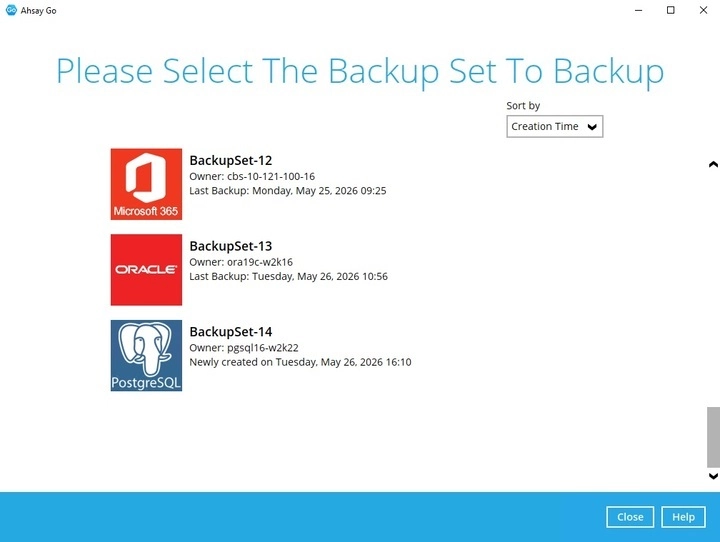
Select the PostgreSQL database backup set which you would like to start a manual backup.
-
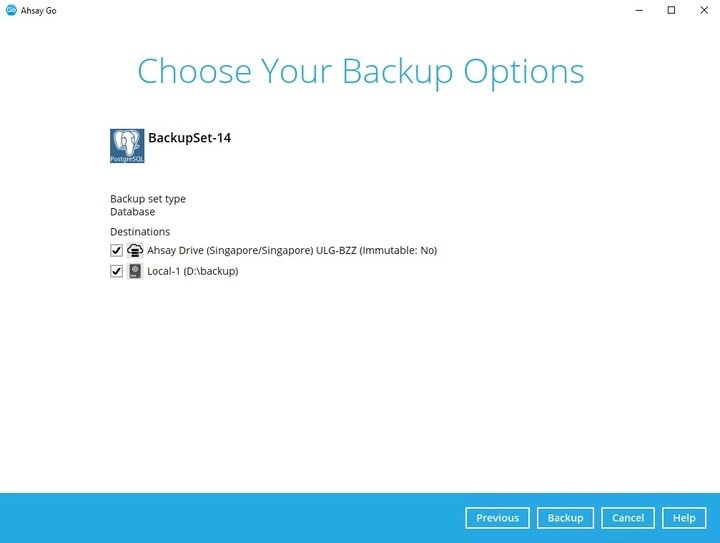
You can modify the “Destinations” option. Click on Backup to start the backup job.
-
Once finished, “Backup Completed Successfully” will be displayed.
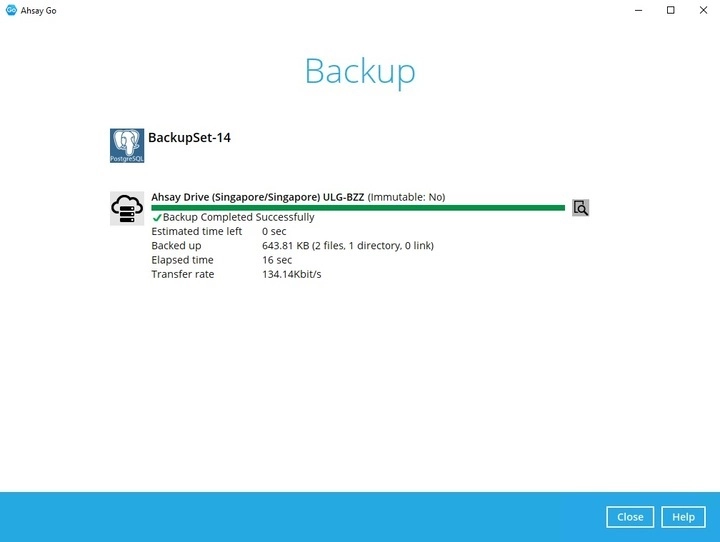
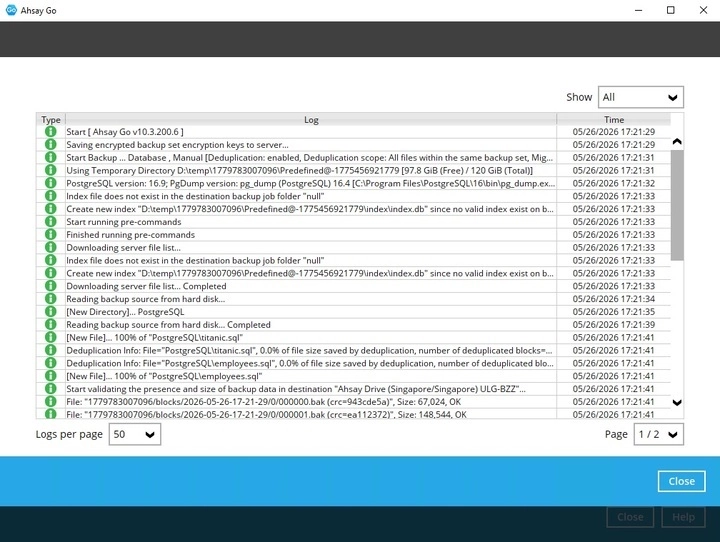
To check the log of your backup, click the "Magnify" icon. It will show you the log of your backup with corresponding date and time.