AhsayCBS
Ahsay Go - Run Windows System Backup Job
Screenshots used for this guide are based on MS Windows System and will include screenshots for MS Windows System State if applicable.
-
Click the Backup icon.
-
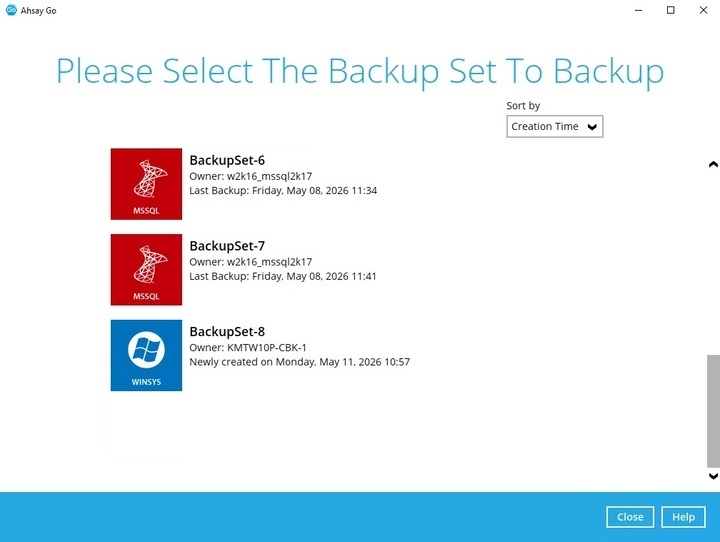
Select the backup set which you would like to start a backup for.
-
You can modify the "Destinations" option.
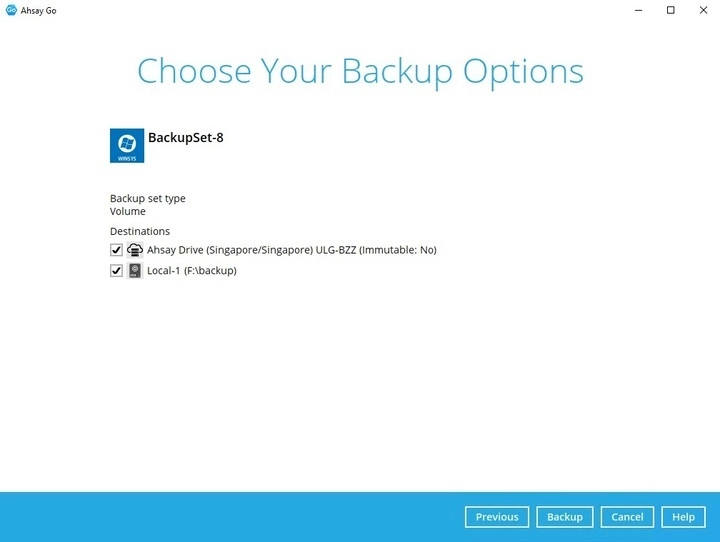
Click Backup to start the backup job.
-
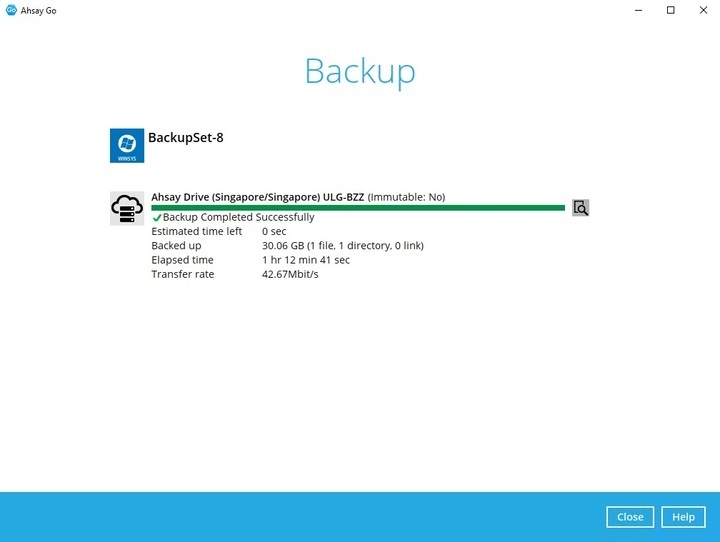
The following screen is displayed when the data are backed up successfully.
-
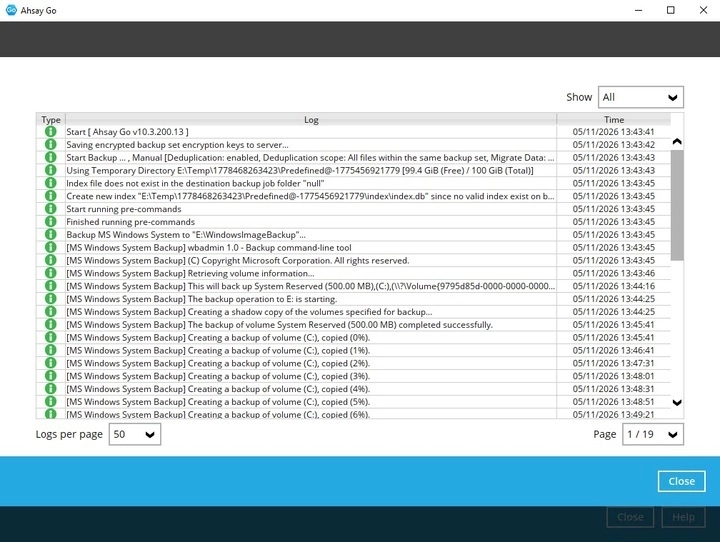
Check the log of your backup by clicking on the 'magnify' icon. It will show you the log of your backup with corresponding date and time. Once done checking the backup log, click Close to return to the previous screen.