

 AhsayCBS
Troubleshoot Login Problems
When having trouble logging in to AhsayOBM/AhsayACB using the Ahsay Mobile app, here are the possible scenarios that you will encounter:
- Unable to accept notification request
- Rejected notification request
- One-time password generated not working
Unable to accept notification request
If unable to accept the notification request from the Ahsay Mobile app because of the following reasons:
- Notification request was not sent to the app because the Ahsay Mobile app is not connected to a network connection.
The 5-minute grace period to accept the request has expired.
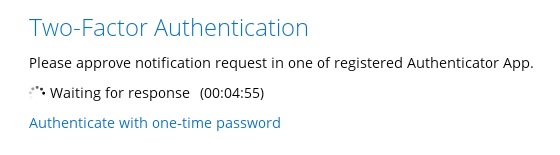

You thus have three (3) options:

Click Resend to receive another request on your Ahsay Mobile app.
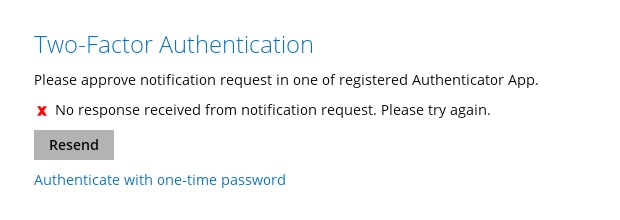
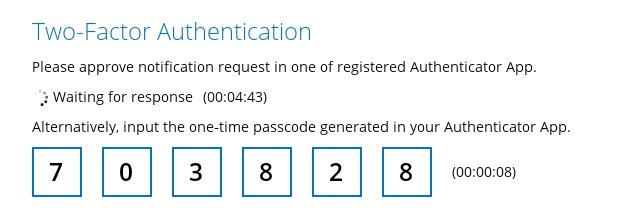
Click the Authenticate with one-time password to authenticate.
Enter the one-time password generated in the Ahsay Mobile app and click Next.
Or click the Unable to login link.
The next screen that will be displayed will depend on the account if it has an email address saved or not.
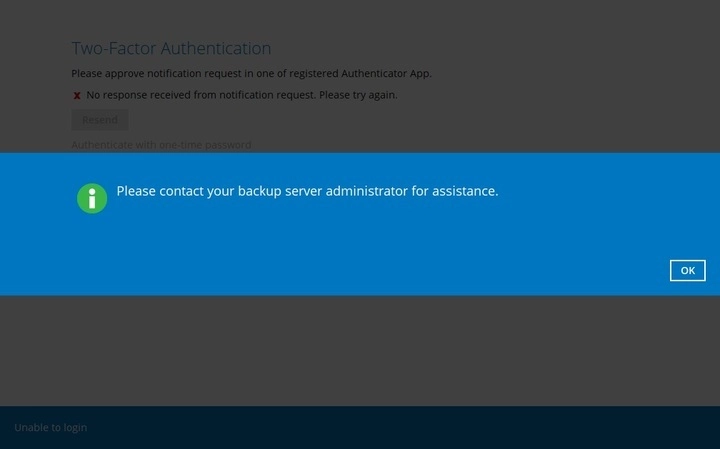
If the account does not have an email address saved, this message will be displayed.
If the account has an email address saved, then you can perform Authentication Recovery or proceed to Unable to login/Do not have any Authenticator App(s).
Authentication Recovery
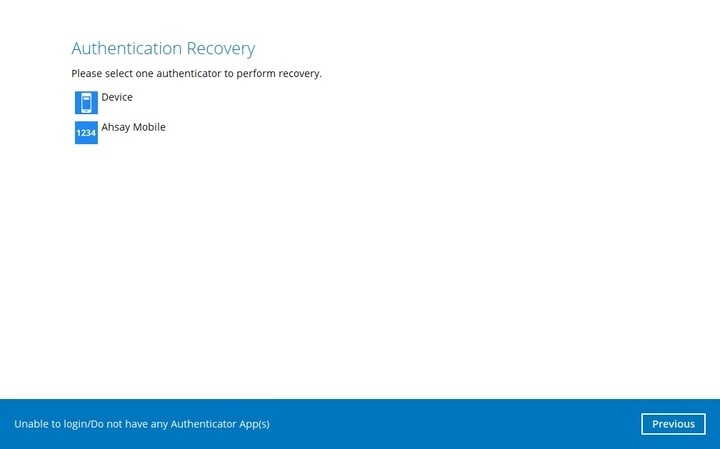
Select the registered mobile device for the 2FA to perform the authentication recovery.
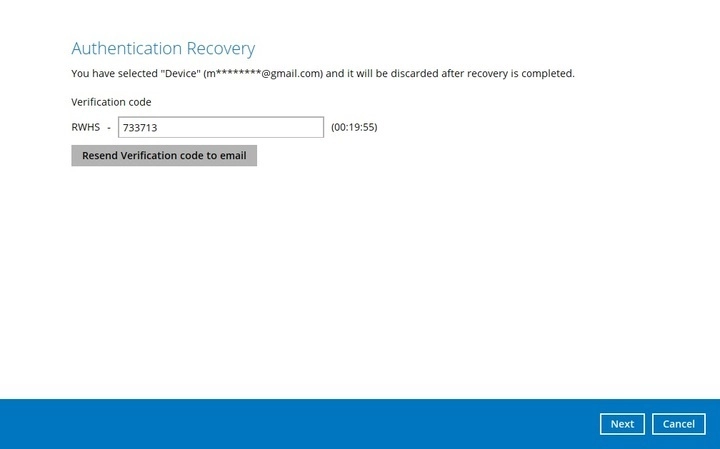
Check your email then enter the verification code, clik Next to proceed.
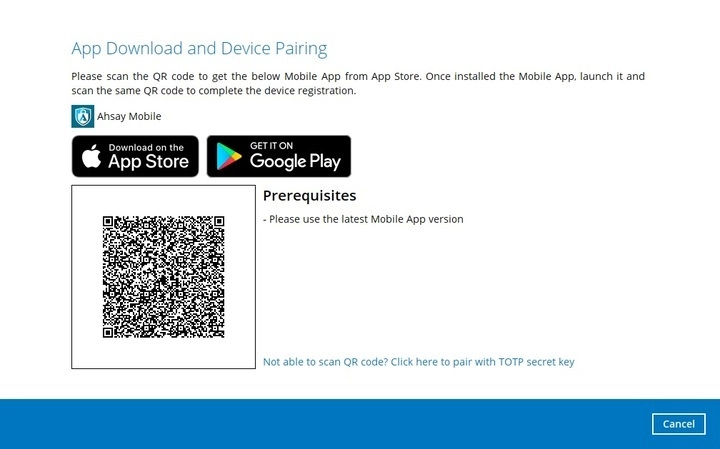
Scan the displayed QR code using the Ahsay Mobile app. Make sure that you are using the latest version of the Ahsay Mobile app.
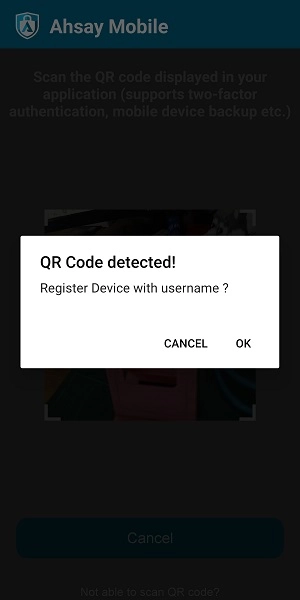
Once the QR code is detected, click OK to register the mobile device for 2FA.
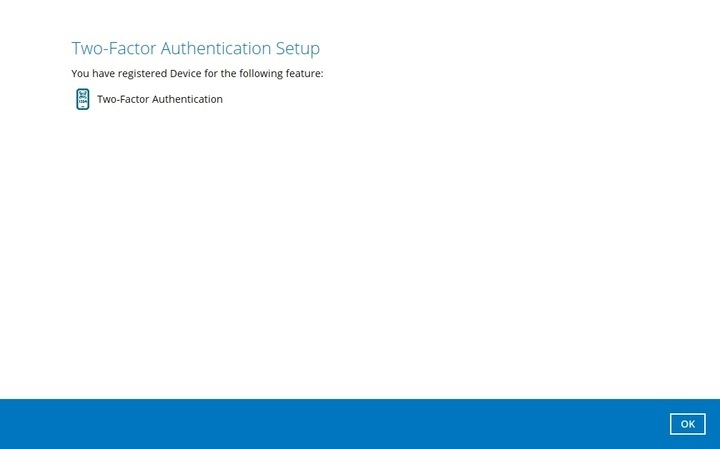
The mobile device is successfully registered for 2FA. Click OK to proceed.
Unable to login/Do not have any Authenticator App(s)
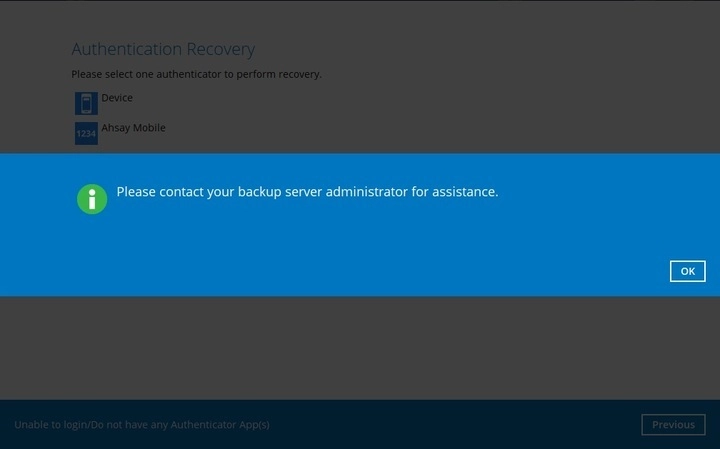
You will be redirected to contact your backup service administrator for assistance.
- Click Resend to receive another request in your Ahsay Mobile app.
- Click Authenticate with one-time password.
- Click Unable to login link.


Rejected notification request
If the notification request was rejected because you accidentally tapped Reject on the Ahsay Mobile app.

You have three options:

One-time password generated not working
If you lost or are unable to access your mobile device, click the Unable to login link and refer to the previous discussion for instructions.
For Push Notification and TOTP

For TOTP only

You will be redirected to contact your backup service administrator for assistance.
