AhsayCBS
Run Backup Job on AhsayOBM using QNAP NAS
July 24, 2026
-
Click the Backup icon on the main interface of AhsayOBM.
-
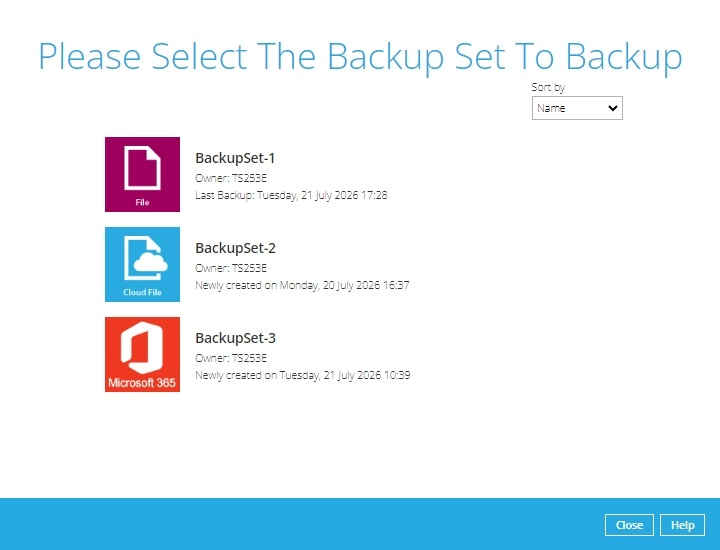
Select the backup set which you would like to start a backup for.
-
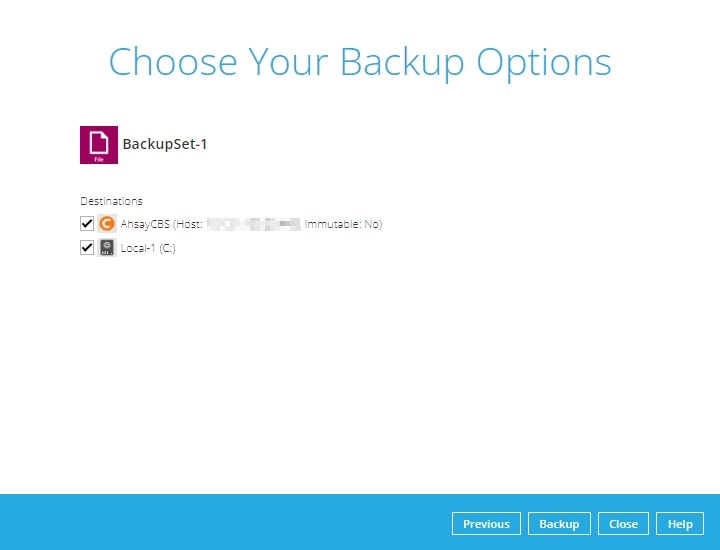
You can modify the "Destinations" option. Once done with the settings, click the Backup button to start the backup job.
-
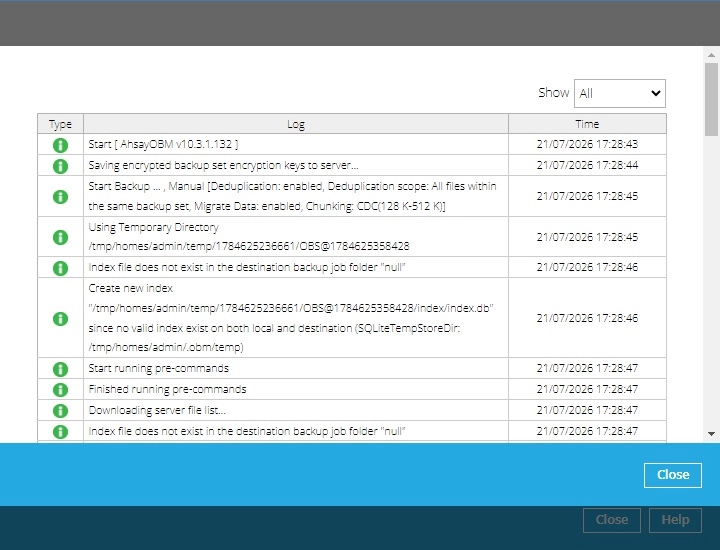
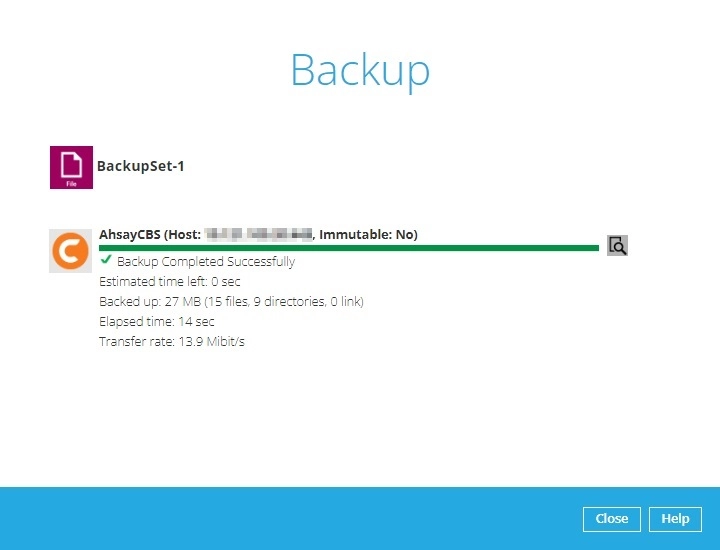
The following screen will be displayed to indicate that the backup job is successfully completed. You may click the icon to the right of the progress bar to check the backup log.
-
Once you are done with checking the backup log, click the Close button to return to the previous screen.