AhsayCBS
[v10] Run on Server Backup
-
Click the User icon on the User Web Console.
-
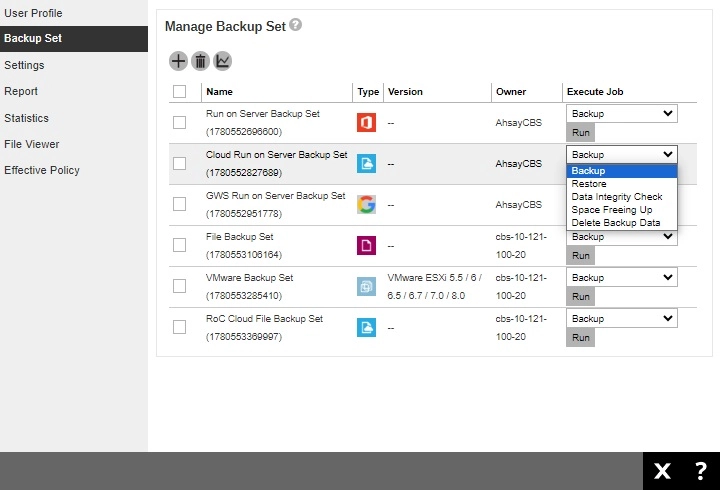
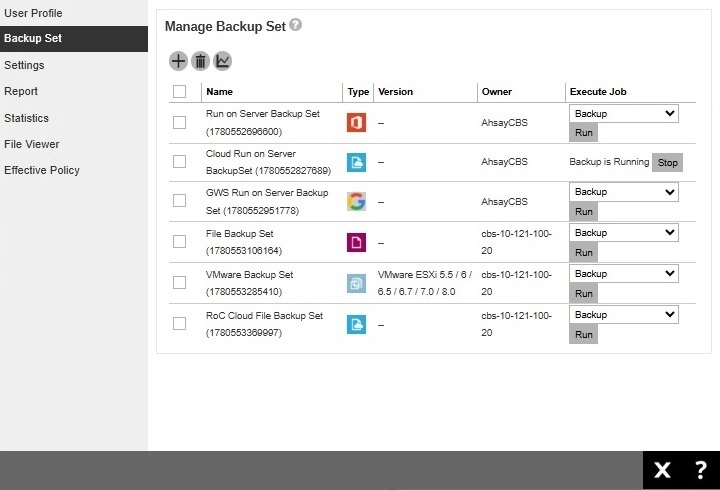
Click Backup Set from the left panel, then select Backup under "Execute Job" drop down menu and click Run.
-
Starting with AhsayCBS v10.3.2, you may run a backup job for all types of backup set from the AhsayCBS web console.
This step is only for run on client backup sets, you need to provide the one-time passcode before you can proceed to the next step.
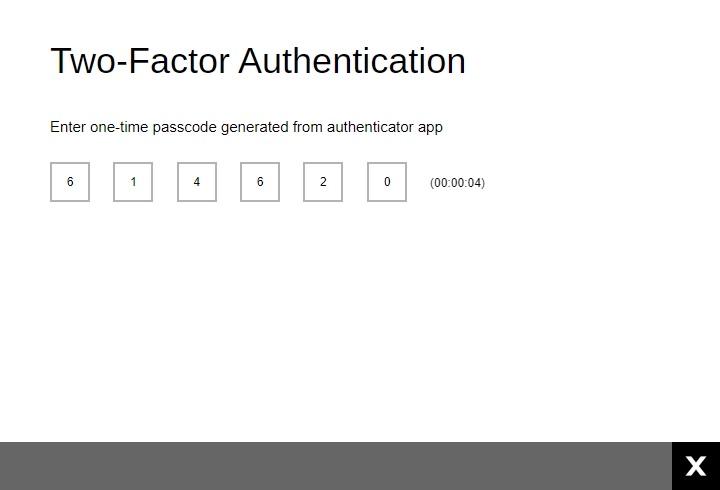 If you have not set up your 2FA, you need to set it up first before you can continue with the backup.
 -
The page that will be displayed will depend on the backup set type and whether it is a run on server or run on client backup set.
-
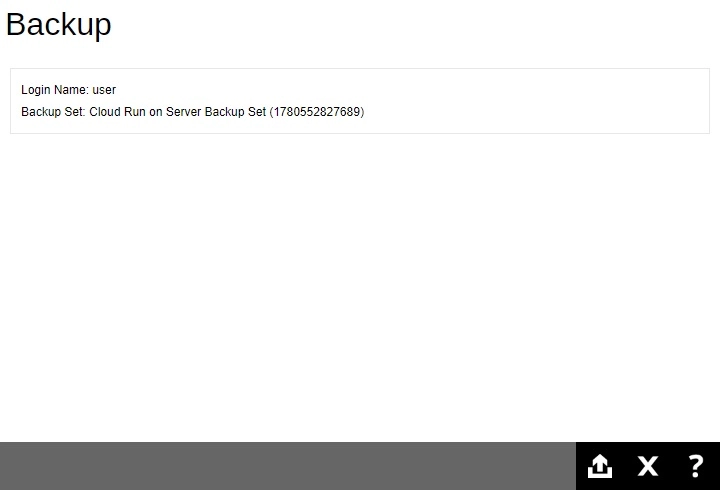
For run on server Cloud File, Microsoft 365 and Google Workspace backup sets, this will be the page displayed.
-
While for run on server Proxmox VE backup set and run on client backup sets, there are additional items that can be configured. The available items for configuration depends on the backup set type.
Here are some examples of the different choices available:
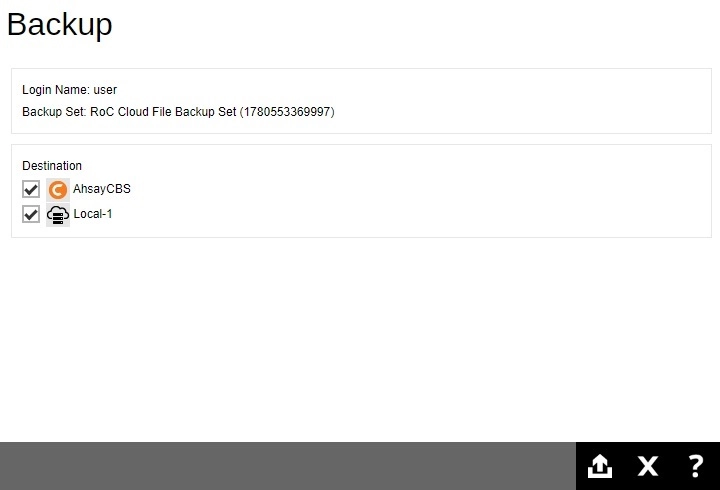
For the following backup sets you can configure the destination: File, Cloud File, Microsoft 365, Google Workspace, MS Windows System and System State, MySQL, MariaDB and PostgreSQL
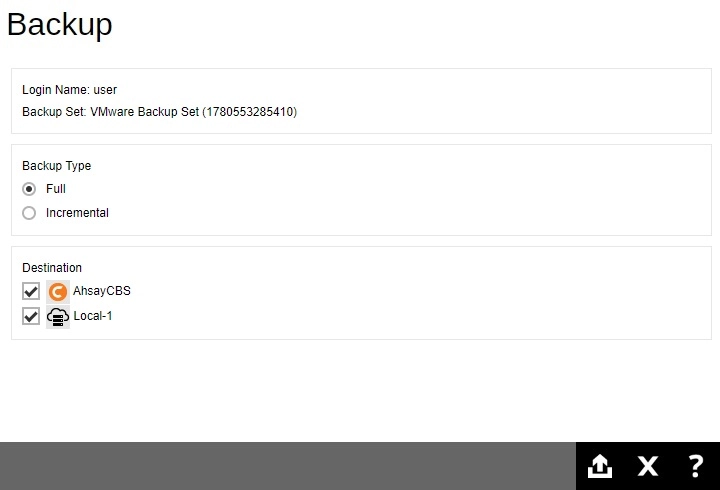
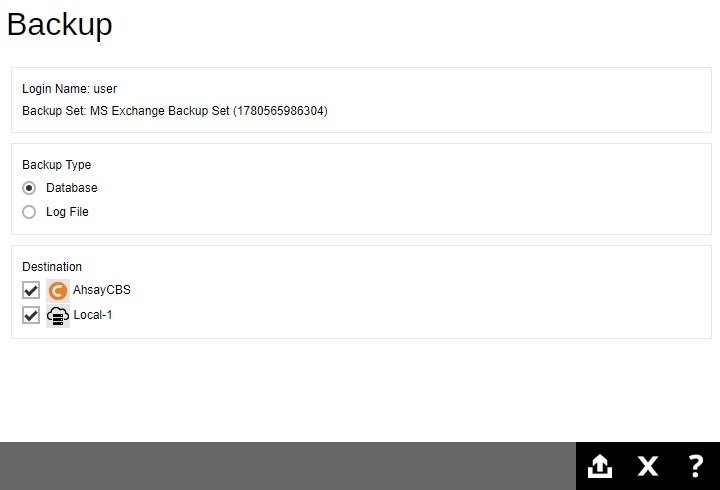
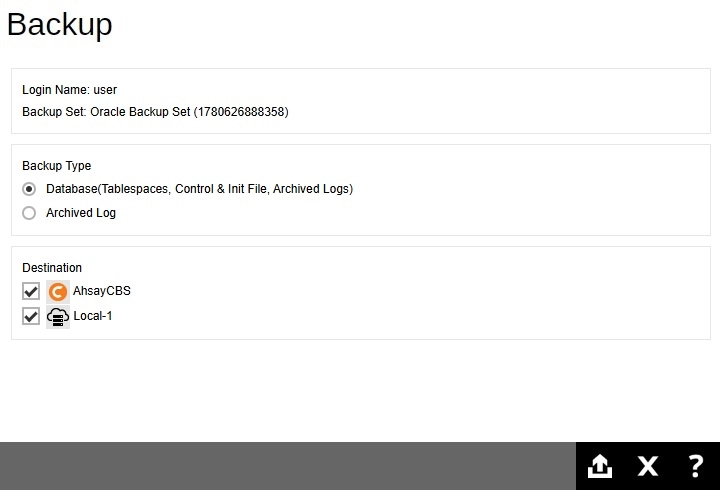
For the following backup sets, you can configure the backup type and destination:
Proxmox VE, VMware and MS Hyper-V
MS Exchange
Oracle and Tibero Database Server
-
- Click Backup to start the backup.
-
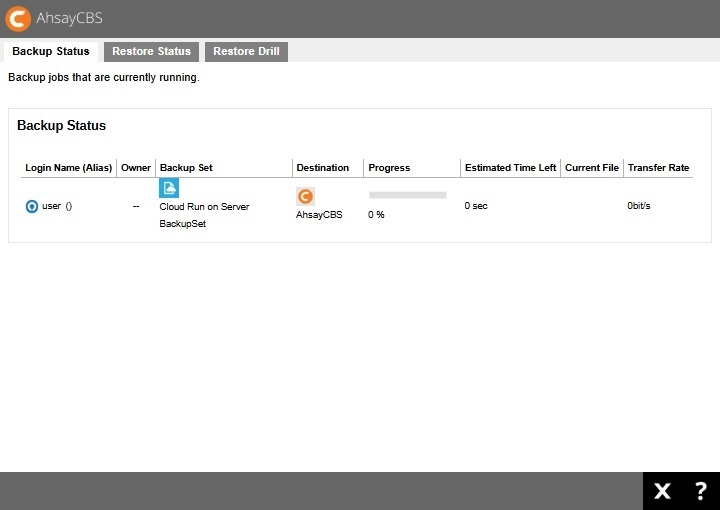
You will see the status showing "Backup is Running" when the backup is in progress.
You can also check the status of your backup by going to Monitoring > Live Activities.