AhsayCBS
Remove an account
April 6, 2026
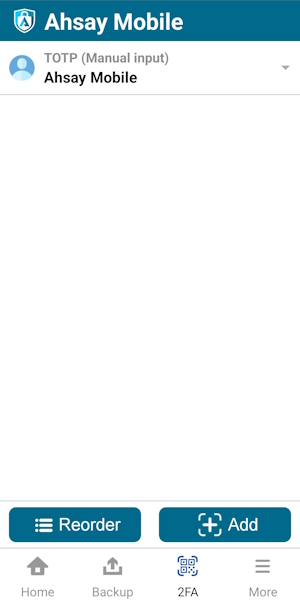
To remove an account, follow the instructions below:
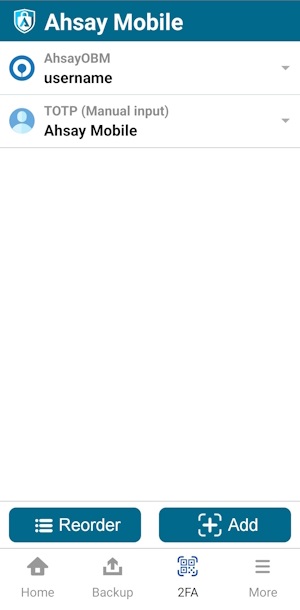
Select an account by tapping on it.
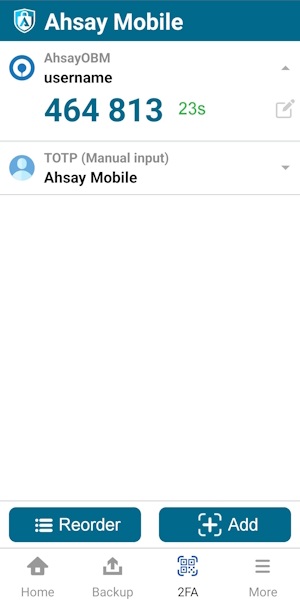
Then tap the Edit icon.
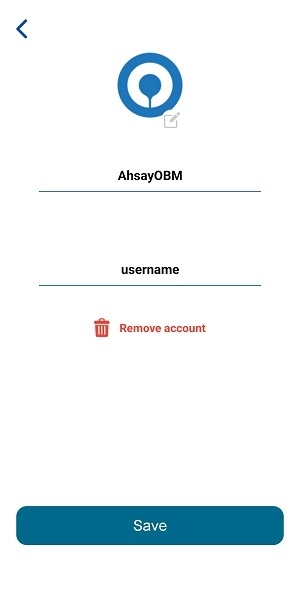
Tap Remove account then Confirm to delete the account. Otherwise, tap Cancel.
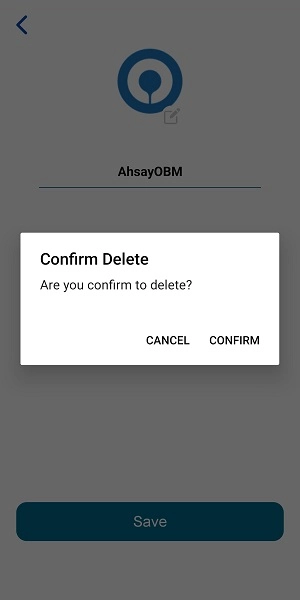
The account has been successfully removed.