AhsayCBS
Re-pair account
March 26, 2026
If the registered device used for 2FA was damaged, lost, or missing; the backup content of the device can be migrated to the new device. Once the migration is finished, the new device must be re-paired with Ahsay Mobile to enable log in using push notification and disable the one in the original device.
To re-pair accounts, follow the instructions below:
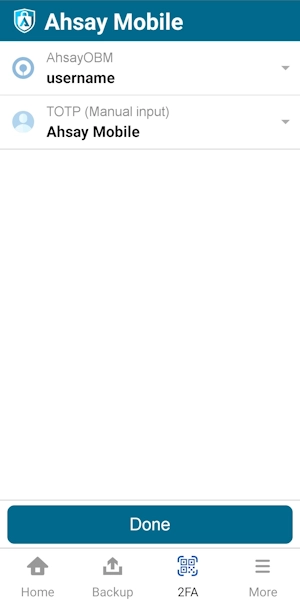
Select an account by tapping on it.
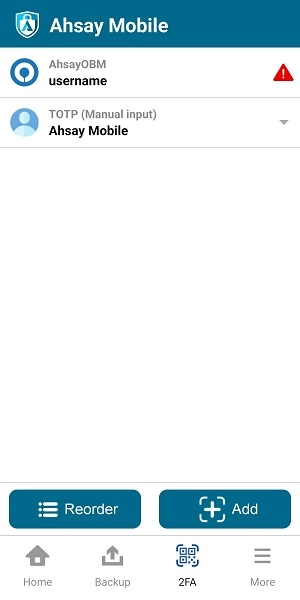
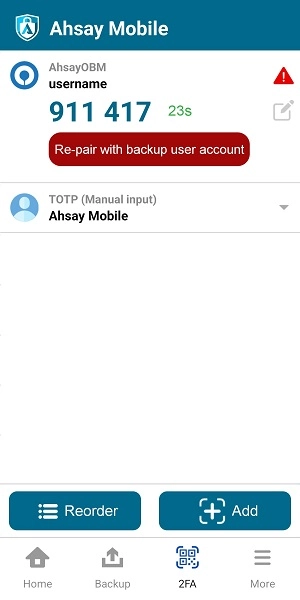
Tap Re-pair with backup user account.
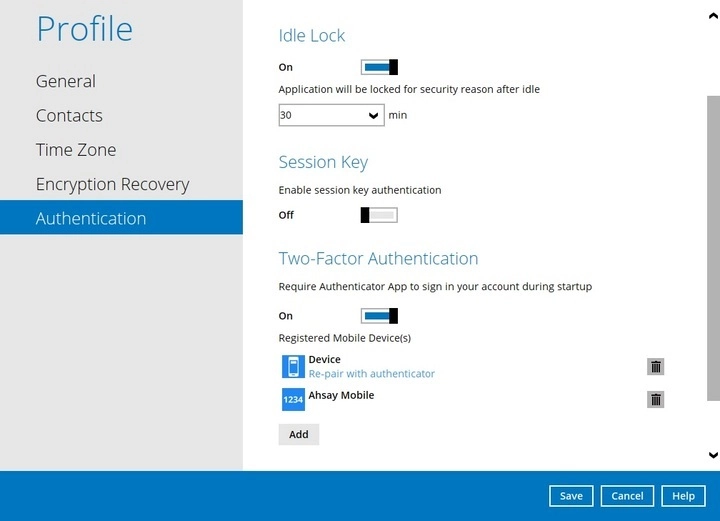
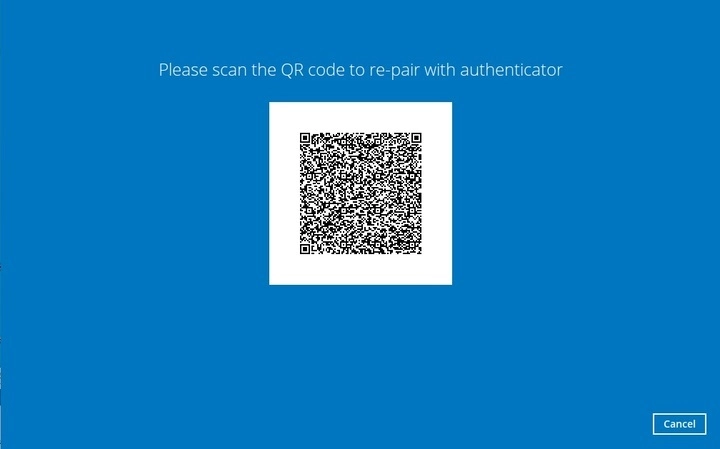
In AhsayOBM / AhsayACB, go to Profile > Authentication > Two-Factor Authentication. Click Re-pair with authenticator, then scan the QR code using Ahsay Mobile.
The account has been successfully re-paired.