AhsayCBS
Run a File Backup Job on AhsayACB
March 26, 2026
Running a File Backup Job
-
Click the Backup icon on the main interface of AhsayACB.
-
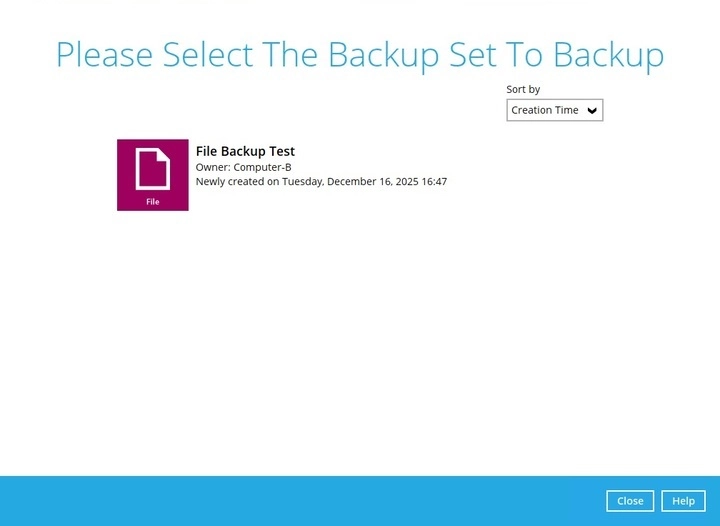
Select the backup set which you would like to start a backup for.
-
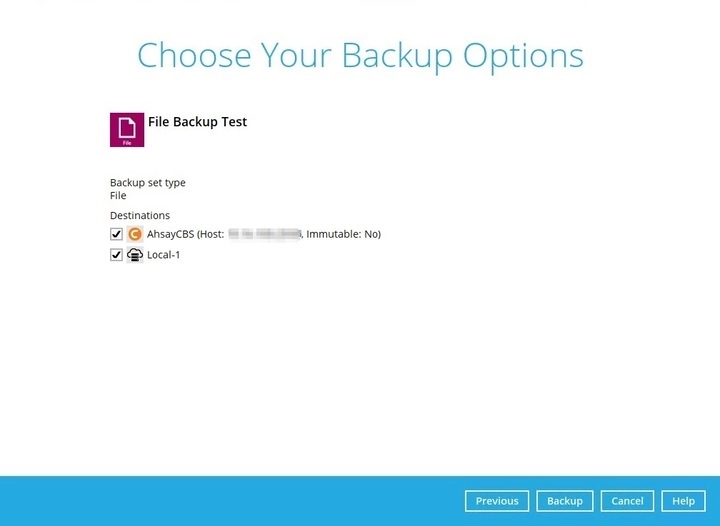
You can modify the “Destinations” option.
Once done with the settings, click the Backup button to start the backup job.
-
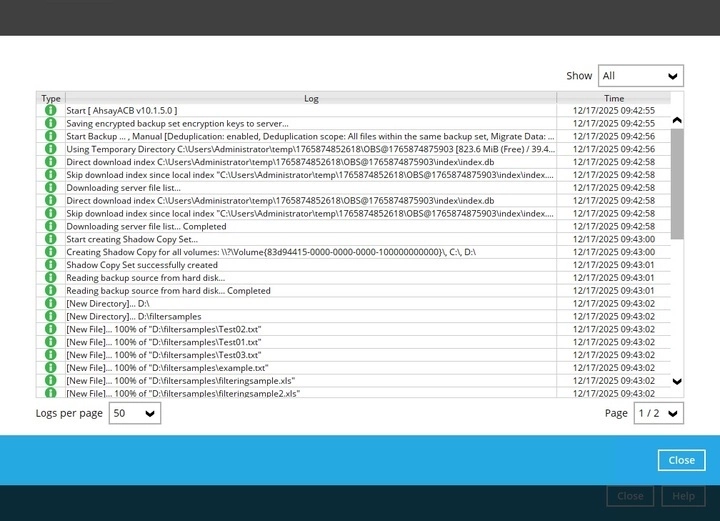
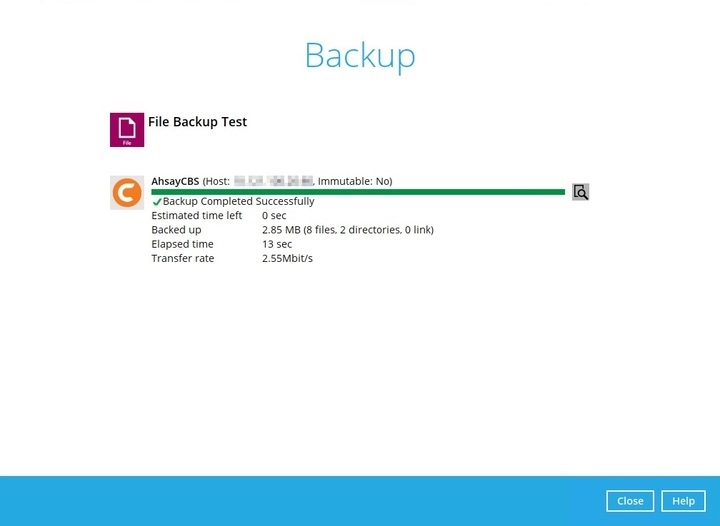
The following screen will be displayed to indicate that the backup job is successfully completed. You may click the search button to check the backup log.
-
Once you are done with checking the backup log, click the Close button to return to the previous screen.