How-To
Ahsay Go - Run Hyper-V Backup Job
-
Click the Backup icon.
-
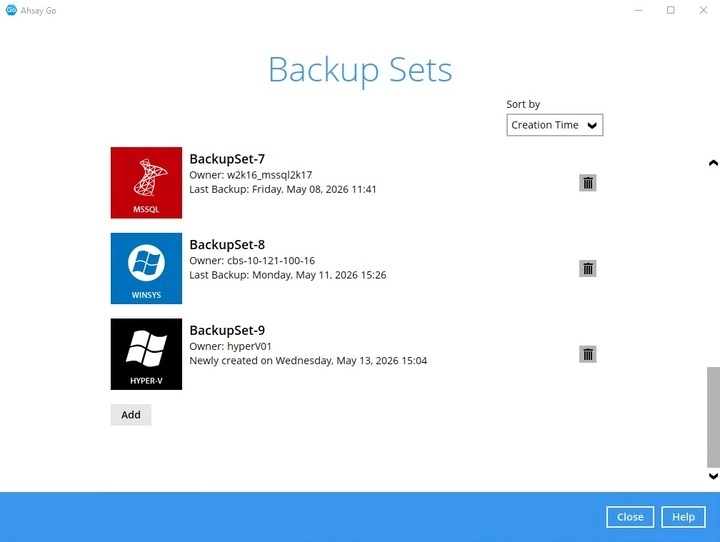
Select the Hyper-V backup set which you would like to start a manual backup for.
-
Choose a "Backup set type" (i.e., Full or Incremental).
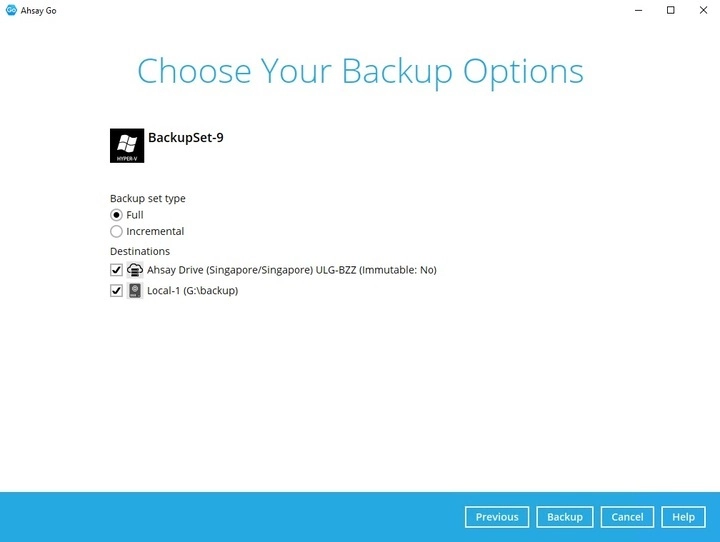
- Full - A full backup captures all the data that you want to protect. When you run a backup job for the first time, Ahsay Go will run a full backup regardless of the in-file delta setting.
- Incremental - An incremental backup captures only the changes made as compared with the last uploaded full or delta file (i.e. changes since the last incremental backup).
You can also modify the "Destinations" option.
-
Once done with the settings, click the Backup button to start the backup job. The following screen will be displayed to indicate that the backup job is successfully completed.
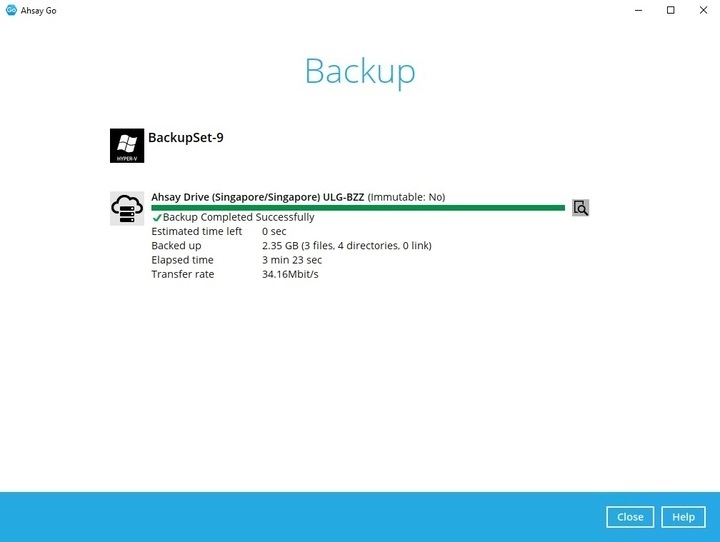
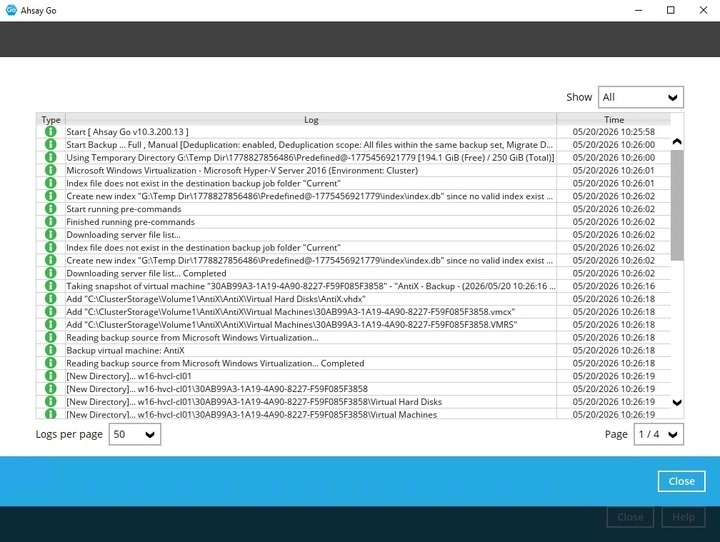
Check the log of your backup by clicking on the 'magnify' icon. It will show you the log of your backup with corresponding date and time. Once done checking the backup log, click Close to return to the previous screen.